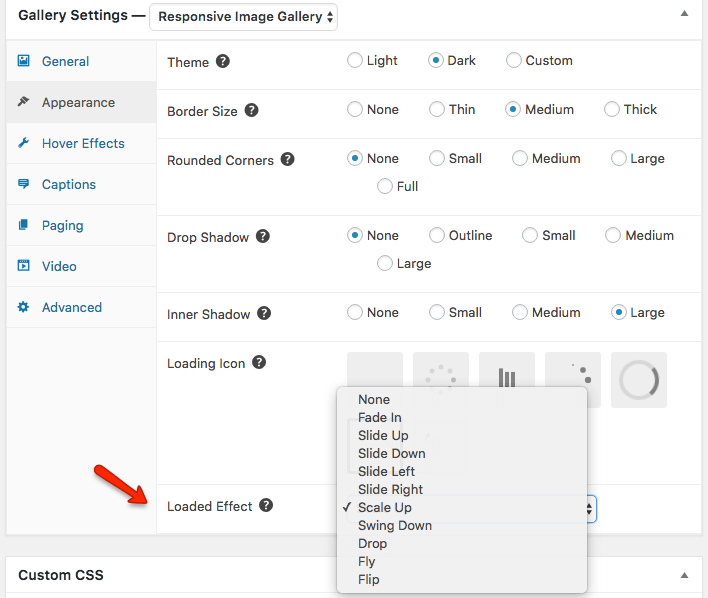
The Loaded effect is the animation that the thumbnail image uses once it has loaded. This is different from the Loading icon – often a circle or dots moving around – which shows that the image is currently loading. Once it has loaded, however, the thumbnail uses a Loaded Effect Animation to display itself in the gallery.
FooGallery (free and Pro) has 10 different options from which to choose. You can see the demos here. To see the effect properly, you can scroll to the next page for each gallery.
Applying Loaded Effects
Loaded Effects are available in FooGallery Free and Pro, under the Appearance settings. To apply a loaded effect, go to the Appearance tab for your gallery. If you click on the Loaded Effect field, you will be able to select the effect you want to use.