
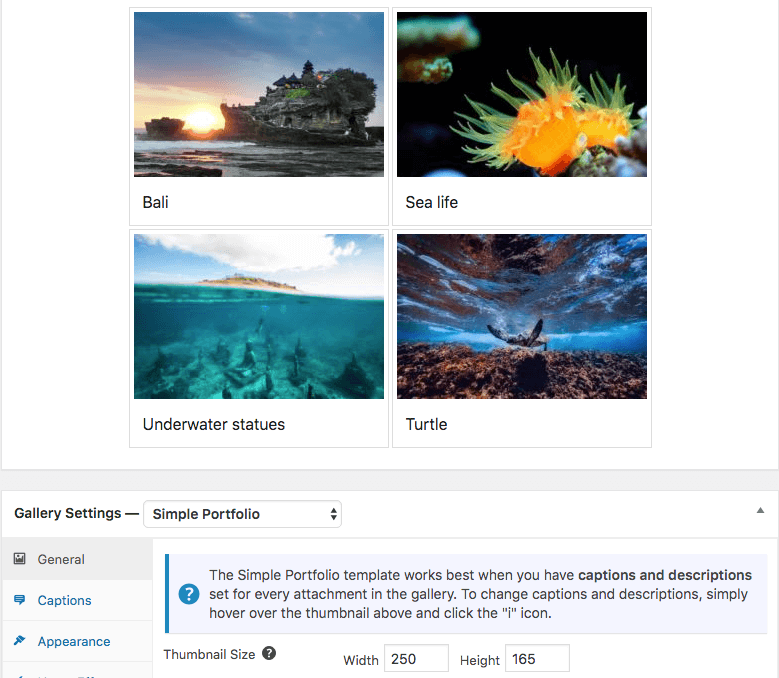
Portfolio is a simple, clean gallery layout. The thumbnails are all a uniform size, which you can adjust to suit your needs. If you add captions and descriptions to your images, these will appear in the space below each image.
To use the Portfolio Gallery layout, choose Portfolio from the gallery layout section above the gallery items. Below is a screenshot of the Gallery Preview.
General Settings
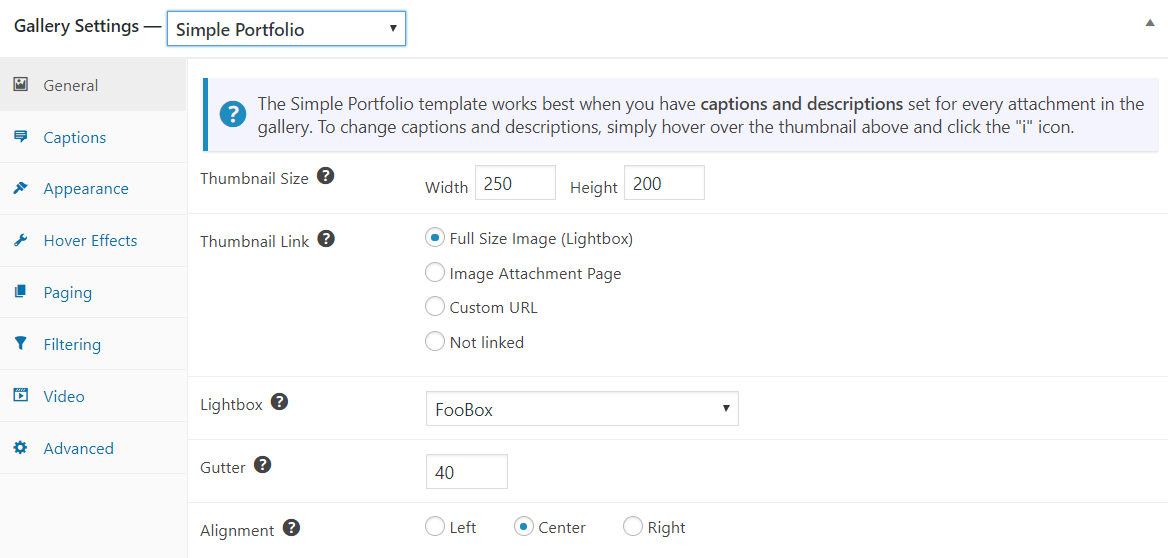
The general settings for the Simple Portflio gallery let you adjust the thumbnail size as the Gutter (or margin) between the thumbnails. You can align the images in the gallery and set them to open in a lightbox.
Portfolio spacing on mobile
The Portfolio gallery layout remains a responsive FooGallery Free layout, but you can tighten or open up the spacing on phones without changing the desktop gallery.
For the general workflow, see Using Mobile Gallery Settings in FooGallery PRO.


