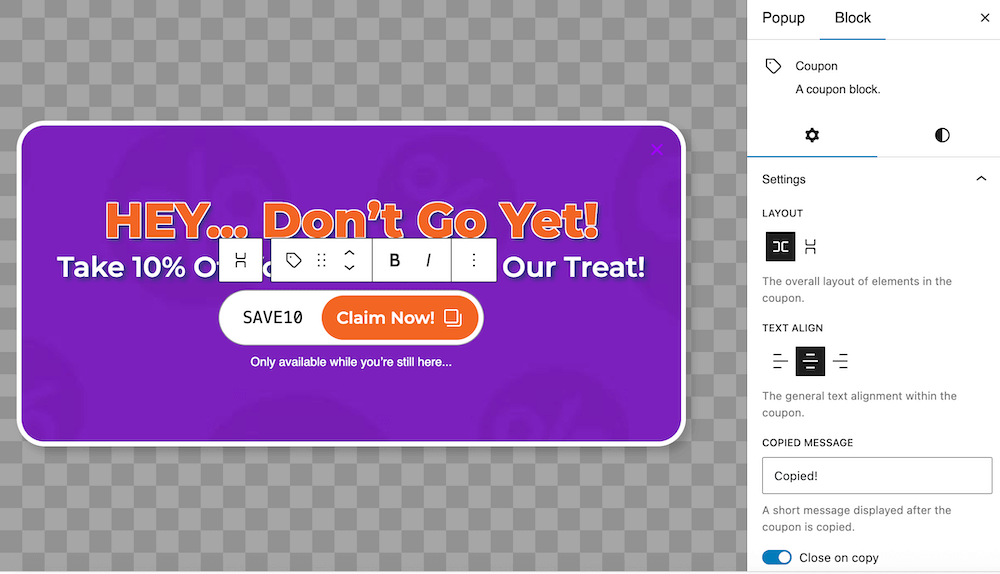
FooConvert includes a Coupon Copy block, which allows you to add a coupon code to your block which is then copied when the user clicks on it. This is built into the Smart Exit Offer template, but can also be added to any template in FooConvert, by searching for the Coupon block.
There are various ways in which you can customize the Coupon block, starting with the layout and text alignment. You will also be to update the coupon code and text in the block itself. Other general settings include adding a message for once the code has been copied, opting to close the widget on copy, and hiding the label/description for the block.
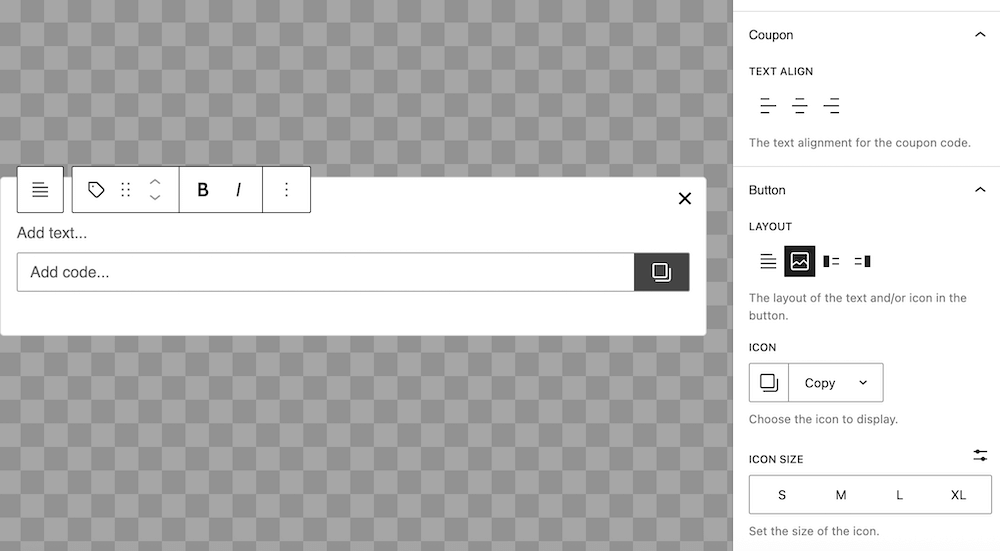
Following this, you can tailor the text alignment for the code, and change the layout and icon for the button.
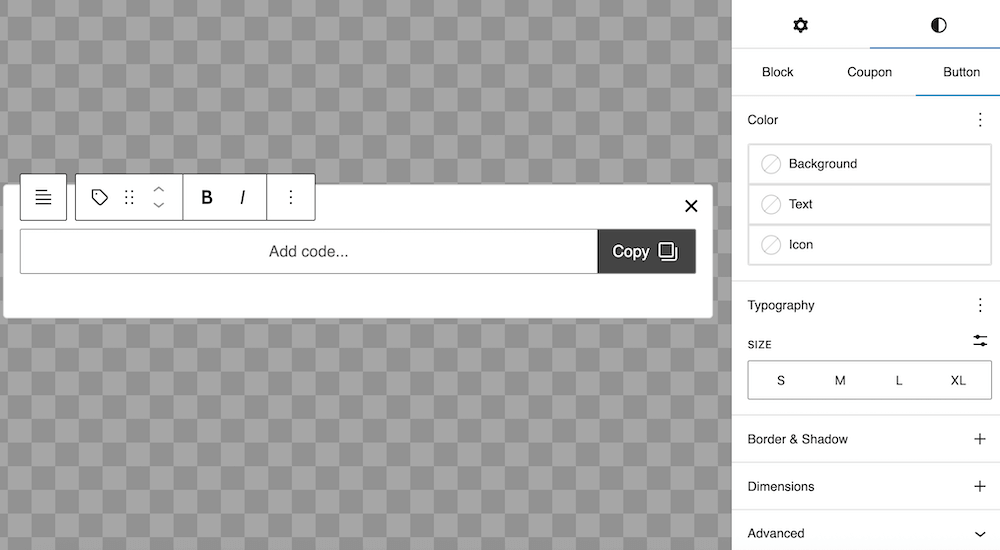
The coupon block in the Smart Exit Offer template has been styled already. However, if you are using the block on a different popup, you can style this for yourself. There are settings available for colors for each of the different elements, typography and size. You are also able to adjust the borders, shadows and dimensions, should you wish to change the shape and positioning of this field.