
Installing FooBox Pro

After purchasing FooBox Pro, you will have to download the FooBox Pro .zip file.

Navigate to Plugins -> Add New and choose Upload Plugin

Add plugin --> Upload plugin

Click Choose File and then navigate to the FooBox .zip file you’ve previously downloaded to your computer.
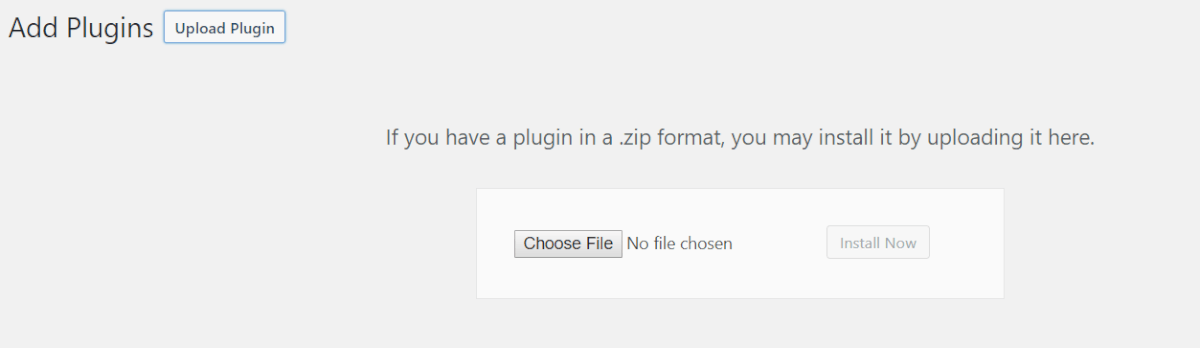
Upload plugin in .zip format

Now click Install Now.

Install plugin

You’ll then see the below message, informing you that the plugin is being installed.

Installing plugin

Once the upload is complete, choose Activate Plugin

Congrats! FooBox Pro is now installed and activated! You can now go to the Settings to start configuring FooBox!

Resources

Find the right next step

Use this grid for documentation indexes, support routes, account links, affiliate resources, and download pages.

Documentation

Search setup guides, product docs, and troubleshooting articles.

Support

Open a ticket with product details so we can help quickly.

Licensing

Review account, renewal, refund, and license information.

Pricing update

Monthly & Lifetime plans are currently not unavailable

We’re not offering these payment options right now. Leave your name and email and we’ll let you know as soon as they return.

NameEmailNotify Me

No spam - Unsubscribe anytime