
Included in PRO Starter
WordPress Mosaic Gallery
Give your photos a varied tiled layout, with larger tiles for favorites and room for portraits and landscapes. Build a mosaic photo gallery with FooGallery PRO Starter.
7-day trial · 30-day guarantee
Mosaic Gallery Demo: Larger Tiles for Favorite Photos
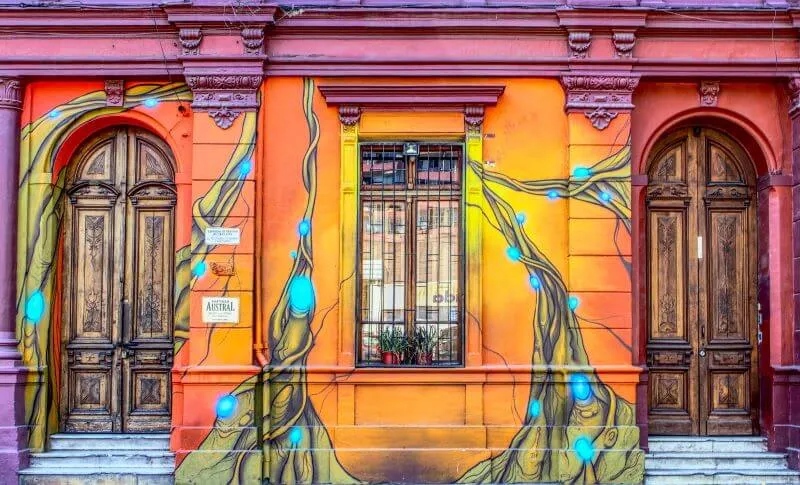
Browse this mixed collection and select a photo to open the lightbox. Selected favorites can receive larger tiles where the available space and image proportions allow.



















Device preview switcher available on desktop devices
A More Compact Mosaic Image Gallery
The same photos use High tile density and a narrower gap here. Compare the two layouts, then choose the balance that suits your own images.
Device preview switcher available on desktop devices
Recreate this demo
PRO Starter or higher
Create this with your own images
Use these settings as a starting point, then adapt the layout to your collection.
- Add your own photosCreate a FooGallery gallery and add a mix of portrait and landscape images from your Media Library.
- Choose Mosaic PROSelect the Mosaic PRO layout. Set Tile Density to Medium and Thumbnail Gap to 10 for a starting point.
- Mark your favoritesUse the stars on gallery images to choose favorites. Favorites receive larger tiles when the space and proportions allow.
- Embed and checkSave the gallery and select it in a FooGallery block, or use its generated shortcode. Preview the page on desktop and phone.
Settings used in this demo
- Layout Mosaic PRO
- Tile density Medium / High
- Thumbnail gap 10 / 4
- Favorites Automatic + favorites
- Lightbox FooGallery
Tips and troubleshooting
A favorite is a layout preference, not a fixed tile size. Compare Low, Medium and High density with your own photo proportions, and choose a thumbnail width large enough for your biggest tiles. The two examples show the layout without filtering or pagination.
Who is this for?
Build a photo story with more than equal-sized thumbnails.
Choose Mosaic PRO for a WordPress tiled gallery with visual variety. It mixes tile sizes while keeping the collection together, so selected photos can stand out without a separate featured-image section.
- Photography portfoliosMix portrait and landscape images in one collection and mark your strongest photos as favorites.
- Travel and editorial storiesCombine wide views and close-up details in a mosaic image gallery that adapts to the available width.
- Creative studiosAdjust tile density and gaps to create a compact project overview or a more spacious presentation.
More FooGallery features
Explore more ways to style your galleries and display your photos, with a working demo for each feature.
Prefer an animated introduction?
Mosaic is designed for browsing a tiled collection. If the photos should introduce your page through motion, compare the Wall gallery demo and its inline or background placement options.

Polaroid Layout
A playful layout with thumbnails framed as Polaroid photos.

Post Query Gallery
You can add galleries from datasources, one of which is a Post Query, so you can populate your gallery with featured images from your posts.
Product Gallery
Display ecommerce products in a dedicated gallery layout.
FAQs
Questions about Mosaic Layout
Install FooGallery PRO Starter or higher, create a gallery and add your photos from the Media Library. Select Mosaic PRO, choose the tile density and gap, then save. Add a FooGallery block to your page and select the gallery, or paste its generated shortcode into a Shortcode block. Mosaic arranges the photos in varied tiles; you can also mark favorite images for larger tiles where space and proportions allow.
No. Mosaic PRO requires FooGallery PRO Starter or higher. FooGallery Free includes other layouts, including Responsive, Masonry and Justified. Compare plans to choose the layouts and features you need.
Yes. Mark images with the favorite stars in the gallery editor. Automatic + favorites also lets the layout choose prominent tiles; Favorites only limits that preference to your selected images. The resulting size still depends on image proportions and available space.
Yes. The layout rearranges as the gallery width changes. You can also override tile density and the gap in the mobile settings. Use the phone preview above, then check the embedded gallery on a real phone.
Yes. These demos link thumbnails to their images and use the FooGallery lightbox. Select any photo to inspect it and browse the collection. You can configure the thumbnail link and lightbox in the gallery editor.
Yes. Add text to your images in the Media Library, then choose the title and description sources in the gallery's Captions settings. Use the hover caption controls to decide when that text appears. These demos show image titles on hover.
Mosaic Layout PRO
Create a mosaic gallery for your WordPress site
Mosaic PRO is included in PRO Starter, Expert and Commerce. Start a trial to build a tiled gallery with your own photos, or compare features before choosing a plan.