

WordPress Masonry Gallery
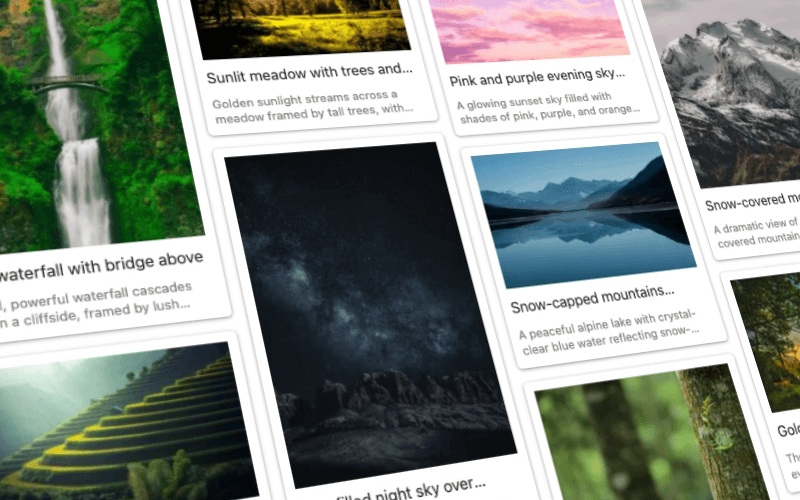
Create a WordPress masonry gallery with FooGallery Free. Show portrait and landscape photos together in a staggered grid, without cropping them all to the same shape.
Mix portrait and landscape photos.
Keep each photo’s proportions.
Choose your thumbnail width, spacing and style.
Free included
100K active installs
4.8 / 5 rating
980+ reviews
Live demo
Try the masonry gallery
On a desktop? Try the phone icon to see how the gallery fits a smaller screen.
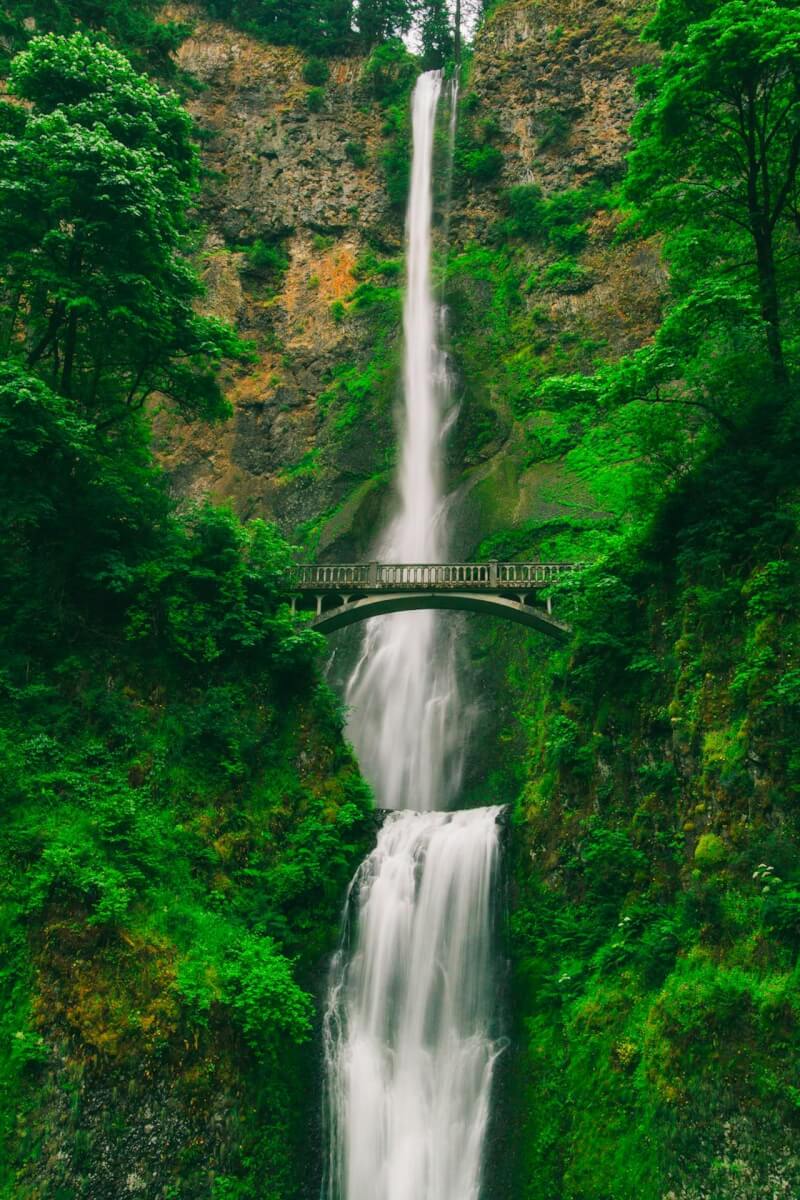
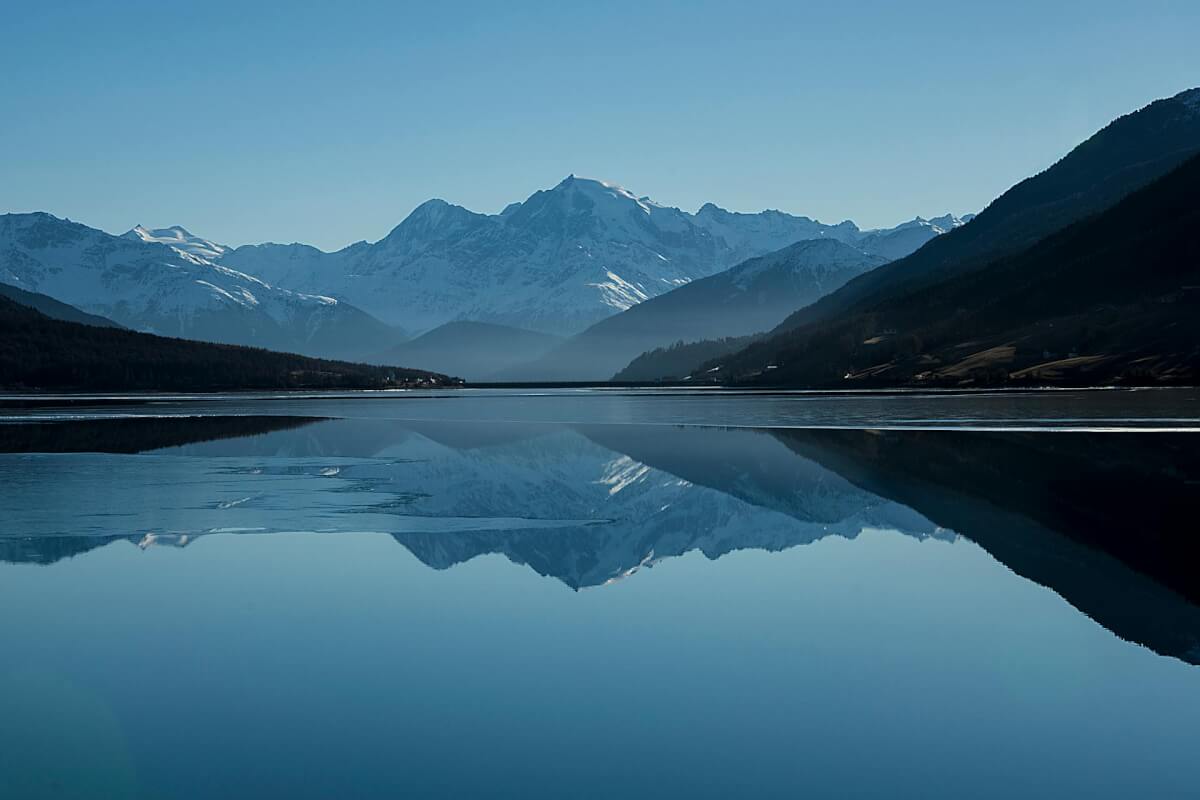
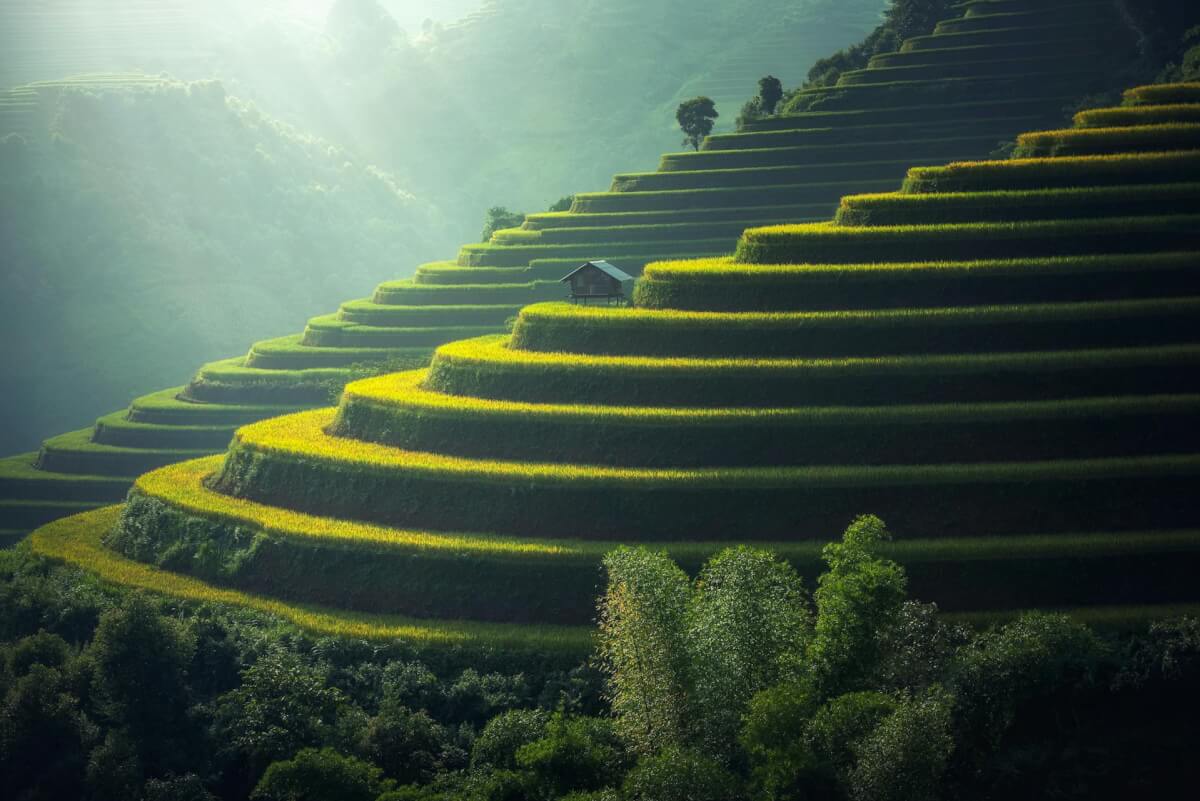


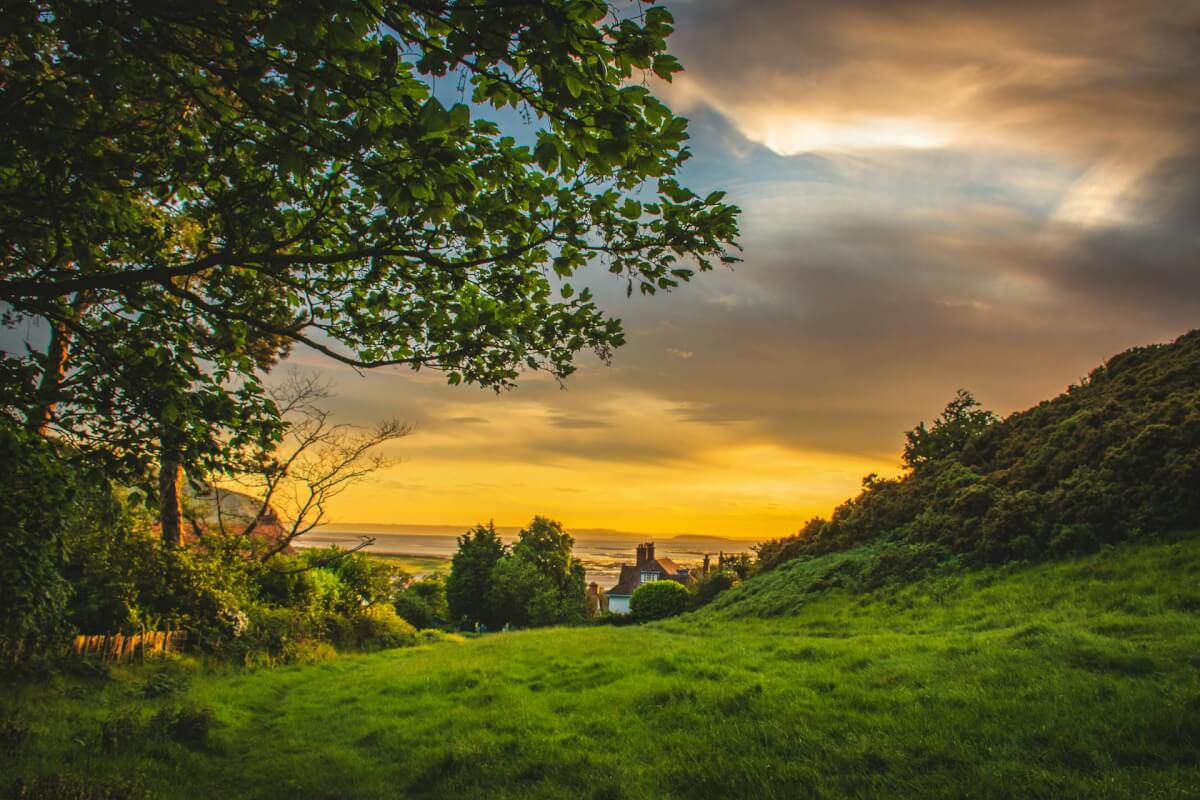
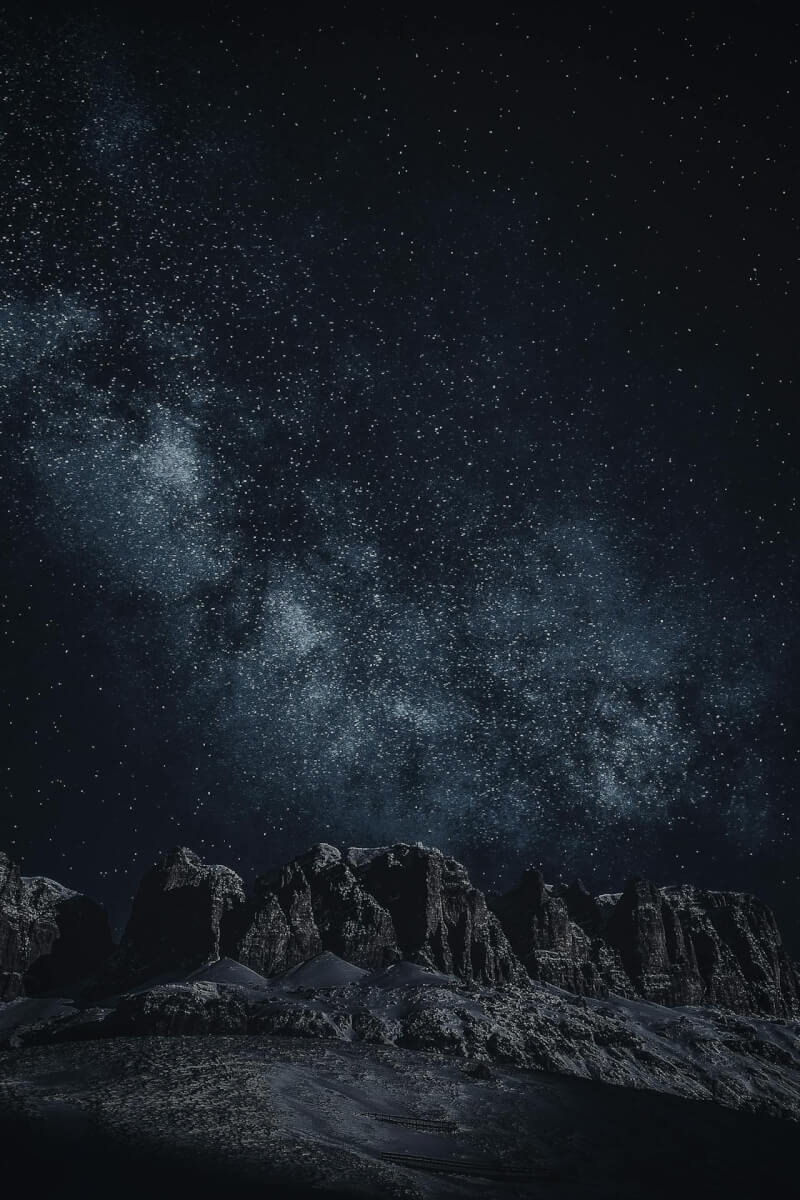
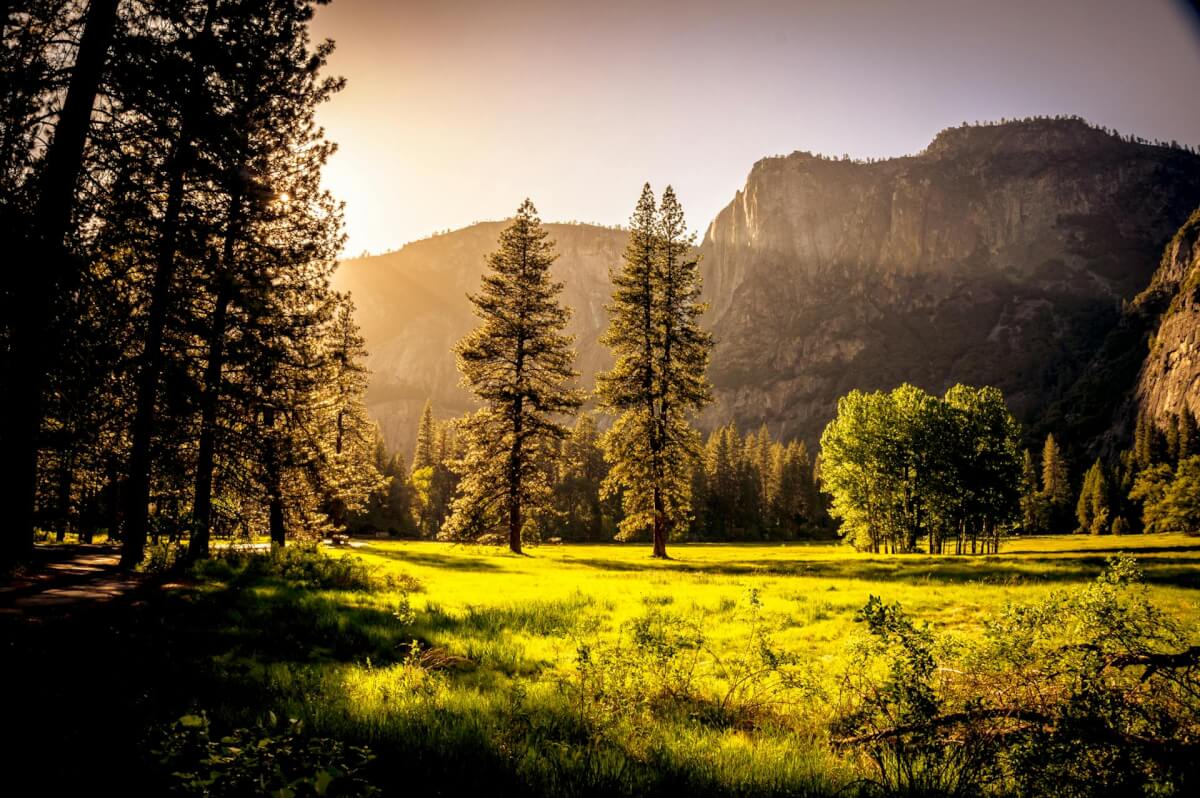


Device preview switcher available on desktop devices
Device preview switcher available on desktop devices
Create your first masonry gallery in WordPress
Install FooGallery Free, add your photos and choose the Masonry template. Follow the setup guide to adjust the thumbnail width and spacing.
Included in PRO Starter
Mobile Gallery Settings
Want a different layout on phones? With PRO Starter, you can set the masonry width, gap and layout separately for mobile. You can also change pagination, caption size, and how many lines of each title and description appear. Your desktop settings stay as they are.
Who this is for?
Different photo shapes. One gallery.
A masonry photo gallery works well for collections that mix portrait, landscape and square images.
- PhotographersKeep tall portraits and wide landscapes in the same gallery.
- PublishersAdd photo galleries to articles, reviews and tutorials.
- Portfolio sitesShow your projects together, even when the photos have different proportions.
Upgrade path
More FooGallery features
Explore more ways to style your galleries and display your photos, with a working demo for each feature.

WordPress Video Gallery
FooGallery Pro Expert allows you to create amazing WordPress video galleries by importing videos from YouTube and other sources.

Polaroid Layout
A playful layout with thumbnails framed as Polaroid photos.

Dynamic Gallery
Dynamic galleries load gallery content from another source instead of requiring every image to be selected manually.
Questions about masonry galleries
A masonry gallery arranges photos in columns, with each image keeping its original proportions. The rows are staggered because portrait and landscape photos have different heights.
Yes. The Masonry template is included in FooGallery Free.
It lets you mix photos of different shapes without cropping them all to match. The images resize to fit the columns while keeping their original proportions.
Yes. Masonry keeps each image’s proportions instead of cropping every thumbnail to the same shape.
Start with FooGallery free
Build this gallery with
FooGallery Free
Install FooGallery Free and create your first masonry gallery.