
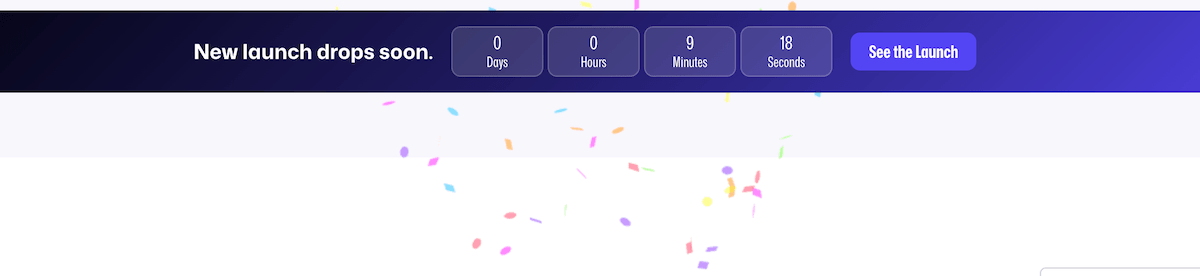
The Confetti block is available in FooConvert Pro only, as a support block that plays a celebratory effect when the parent popup opens. It has no visible frontend UI of its own.
Steps for Adding the Confetti Block
- Add the Confetti block to the popup content or use an AI/template draft that includes it. The block can be added anywhere on the popup, as it is invisible on the frontend; it only adds a confetti effect when the popup opens.
- Publish or preview the parent popup.
- Once it triggers on the frontend, watch for the confetti effect when it appears at the top of the screen.
- If the effect feels too distracting, remove the block or reserve it for stronger celebratory campaigns.
- Use analytics to confirm the effect does not increase close rate or reduce form completion.
Tips for Using the Confetti Block
- Confetti is a great option for launch, VIP, reward, or success messaging, so should be used when the popup tone supports celebration, rewards, or milestone offers.
- Avoid using it for serious notices, support messages, or required policy prompts.
- Because the block is invisible after animation, it’s advisable to document its presence in the popup title or internal notes.
- Preview soon after the popup opens as the animation is brief.


