
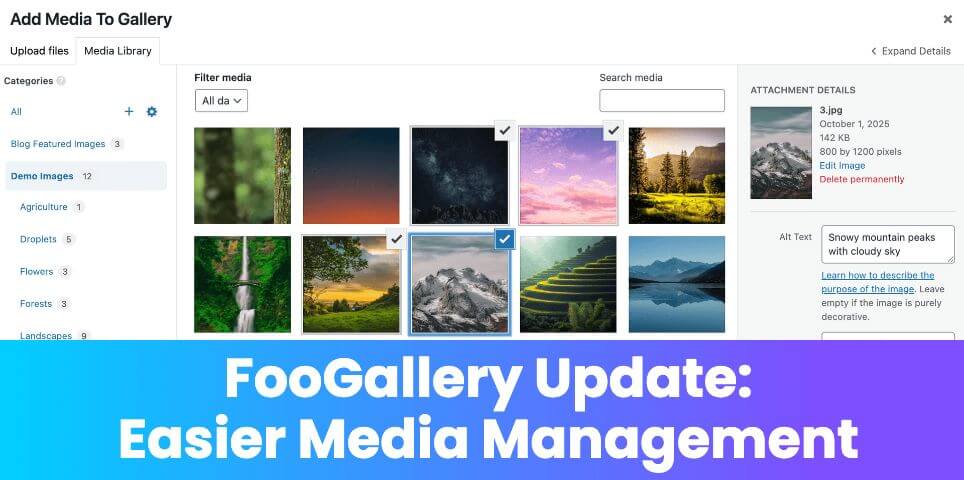
FooGallery‘s latest update includes a number of new features and improvements. But perhaps the biggest news is the addition of media category folders!
Let’s take a look at this new feature, and what else you can expect from the latest update.
Media Category Folders
Available in FooGallery PRO Expert and up, this feature lets you organize your media into folders, making it easier to find the images you want to add to your galleries. Many people refer to this as ‘Attachment Folders’, and there are several plugins that add folders to your attachments. FooGallery now includes this as part of PRO Expert.
As we’ve seen from many of our customers over the years, having a media-rich website often results in having extensive media libraries. Searching through thousands of images to find the exact one you’re looking for can be time-consuming and frustrating. The new Media Category folders in FooGallery offer a simple solution to this.
Once uploaded to the media library, you can now assign categories to your images. This can also be done using the attachment modal or bulk taxonomy feature in FooGallery. When adding media to a gallery, post or page, you will see the folders in a sidebar in the media library. Clicking on a specific category will show you all the images assigned to this category, from which you can select the ones you want.
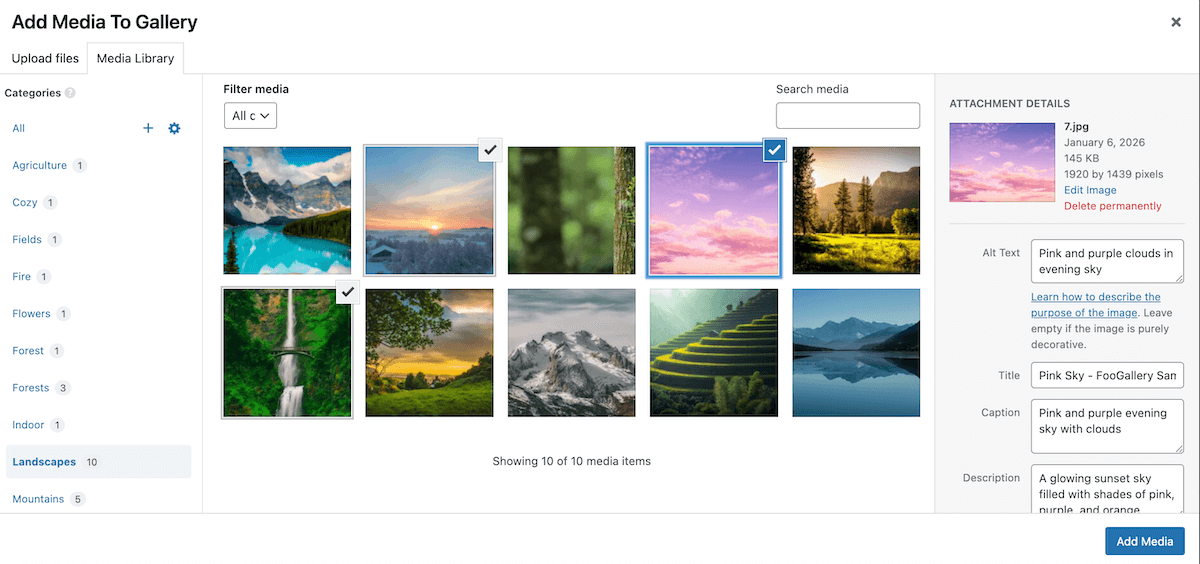
The categories can be edited, deleted and re-ordered using drag and drop. It’s also possible to create subcategories – in this case, the main category will display all images available in the subcategories.
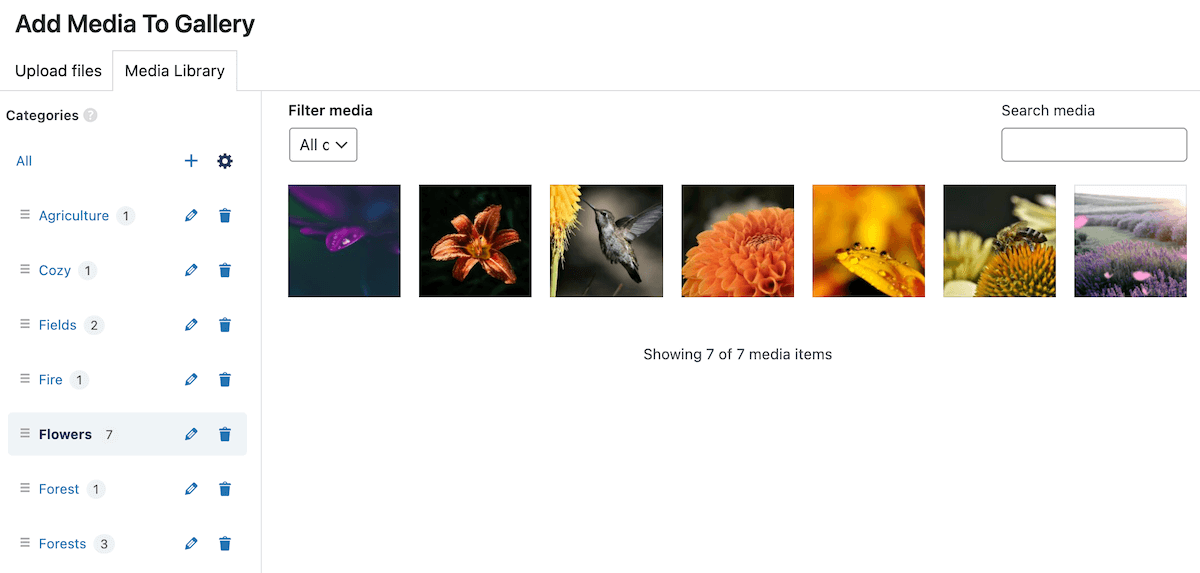
To find out more about this feature, take a look at our Media Category Sidebar article.
Auto License Activation
This update includes a feature to make auto-license activations easier. This is geared towards developers or agencies, and gives you the ability to auto-activate a license key using wp-config.php. You can learn more about how to use this feature on our article on auto license activation.
More From the Update
The latest update also includes a number of quality-of-life tweaks to make the gallery editing experience better. Here’s a quick breakdown of what to expect:
- The Attachment modal shows the selected attachments instead of using saved attachments for better previews.
- Gallery previews are now more reliable.
- There is improved accessibility on Image Viewer and Carousel templates.
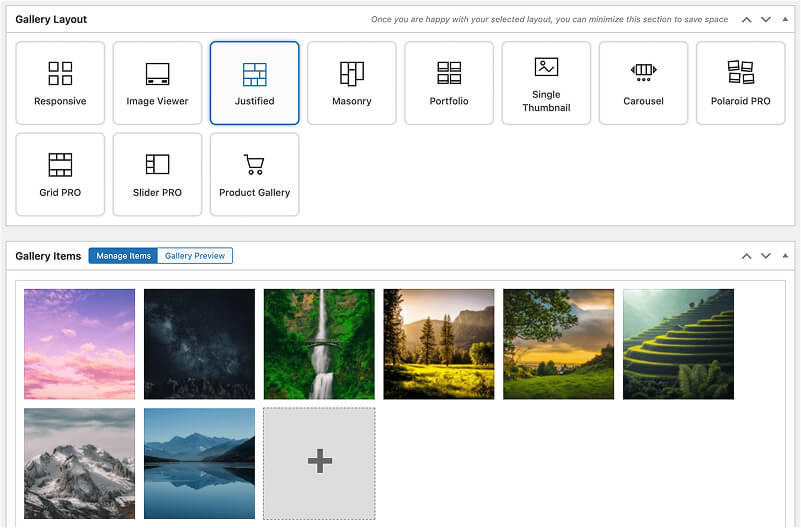
- Expect an improved gallery editing experience when changing between gallery layouts.
- FooGallery PRO Commcer now includes a gallery setting for ‘Lightbox Display’, to change the Cart Panel from overlay to inline.
A FooGallery Changelog is also now available, in which we have published our plugin changes. You can find the FooGallery Changelog here.
To enjoy these improvements, update FooGallery to v3.1.6 now. To make use of the new Media Category sidebar, you can upgrade to FooGallery PRO Expert.
FooGallery Migrate Update
FooGallery Migrate, the plugin that lets you move galleries from other plugins over to FooGallery, has also received an update. There have been various improvements made to the metadata migration when moving galleries from NextGen, as well as better text mapping to properly populate FooGallery title and alt fields. FooGallery galleries have also been configured to display image titles as caption titles.
FooGallery WordPress gallery plugin
The Best WordPress Gallery Plugin
FooGallery is an easy-to-use WordPress gallery plugin with stunning gallery layouts and a focus on speed and SEO.