

Social Sharing WordPress Gallery
This social sharing WordPress gallery demo shows how visitors can like, comment on, and share individual gallery images.
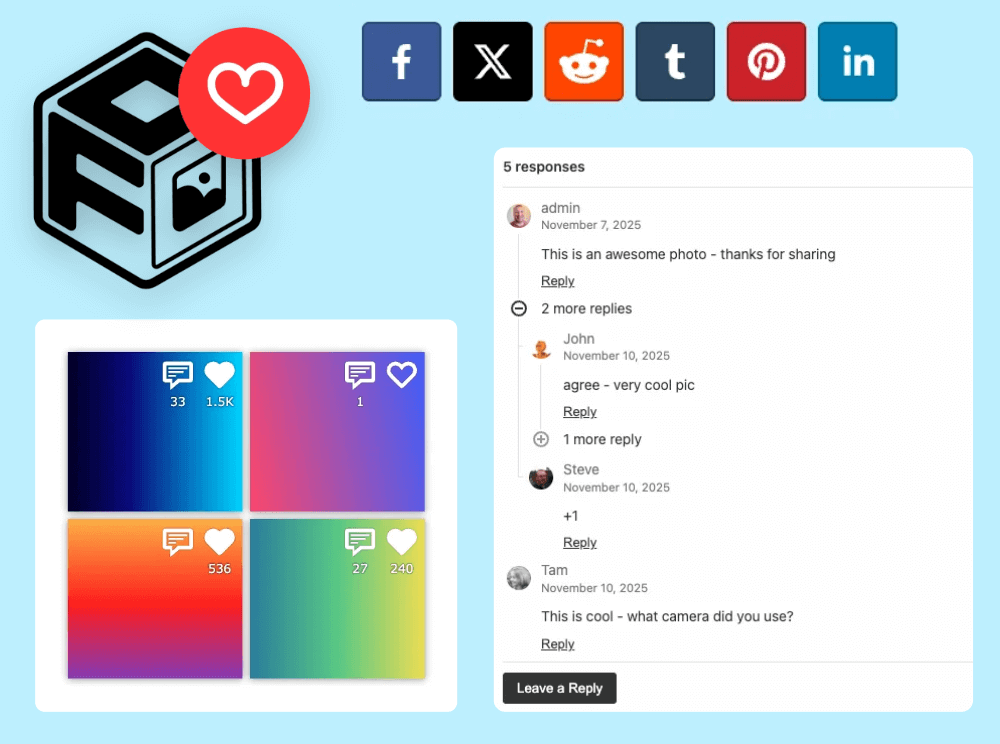
Social add-on available
100K active installs
4.8 / 5 rating
30-day guarantee
Live demo
Demo of a Social Sharing
WordPress Gallery
Use the demo below to see how social sharing works in a WordPress gallery.





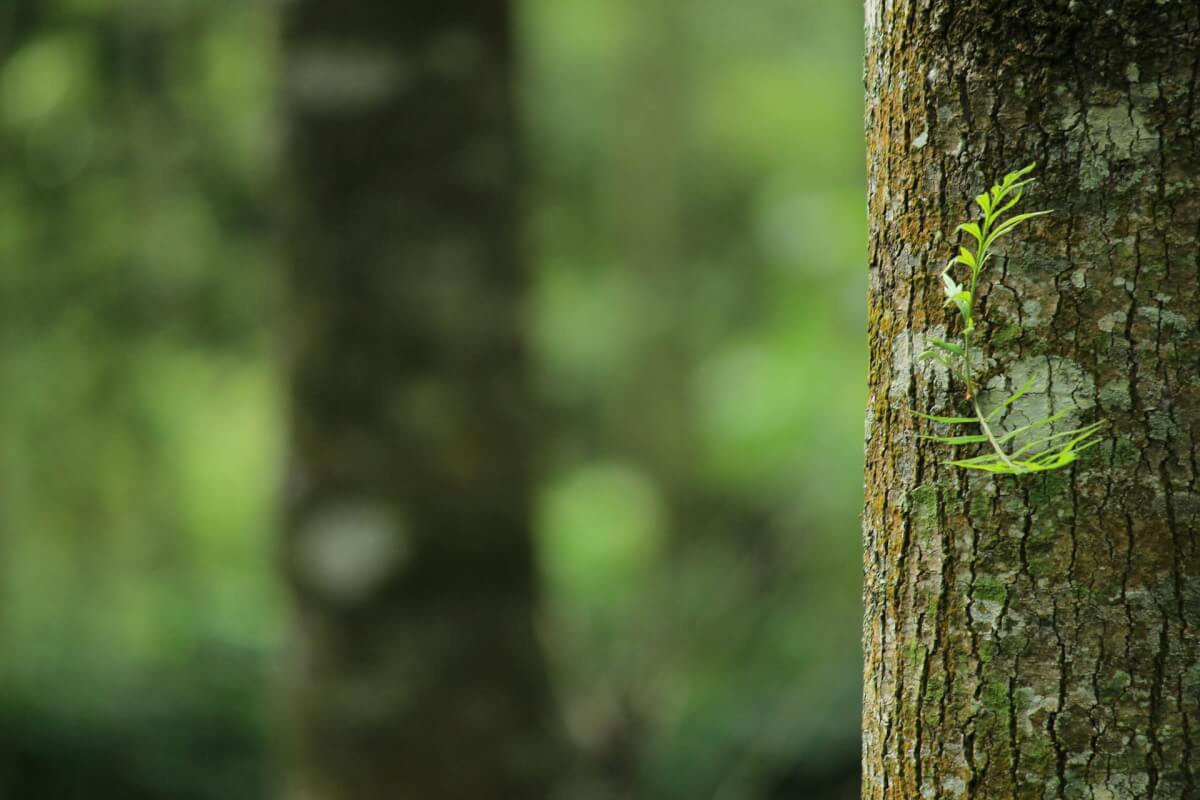


Click on an image to open the lightbox. You will see the social share icons in the lightbox.
You can also like an image, or comment on an image when the lightbox is open.
Who this is for?
For galleries designed around engagement and social sharing.
Use the FooGallery Social Add-on when visitors should be able to like, comment on, or share gallery images.
- Community galleriesEncourage visitors to interact with images instead of only viewing them.
- Campaign pagesMake visual content easier to share from the gallery experience.
- CreatorsUse likes, comments, and sharing as signals around popular images or collections.
Add-on
Available with the FooGallery Social Add-on
This feature is available with the FooGallery Social add-on, not a FooGallery PRO plan tier.
FooGallery Social FooGallery social add-on
Turn Galleries Into Social Experiences
Add likes, comments, and easy sharing to FooGallery images and galleries.
FAQs
Frequently Asked Questions
Answers to common questions about Social Sharing Galleries.
It shows a live demo of a gallery using the FooGallery Social Add-on. It has social sharing, likes and comments enabled, to help engage site visitors and reduce bounce rates on pages.
Yes, you need FooGallery Social add-on if you want to replicate this demo.
Yes, click the image thumbnails to open a lightbox. From the lightbox you will see the social icons in order to easily share to social networks.
Yes, visitors can like images or add comments. You can control which images allow comments, and the WordPress comment moderation system is used under the hood.
FooGallery Social Add-on
Ready to add social sharing?
The FooGallery Social add-on makes it easy to add social sharing, likes, and comments to your galleries. More engaging galleries are better galleries.