
You’ve uploaded 300 images to your WordPress site. Every single one is named something like “IMG_4892.jpg”. None of them have alt text. Half are larger than they need to be. Sound familiar?
This is the default state of most WordPress media libraries, and it has real consequences: missing alt text hurts your SEO and fails accessibility standards, unoptimized images slow your page load times, and unreadable filenames mean search engines can’t always understand what your images show.
Disclosure
Relationship disclosure for FooGallery.
FooGallery is owned and maintained by FooPlugins. When we mention or recommend FooGallery in this article, that relationship may influence how the product is covered; product details should be checked against current documentation, demos, pricing, and release notes.
The good news is that a handful of well-built AI plugins can handle most of this automatically. Set them up once, and every image that enters your media library gets named properly, described accurately, and compressed to the right size (without you having to lift a finger).
This guide covers the five best options for AI Media Management in WordPress, plus practical advice for putting them together into a workflow that actually runs itself.
The Best AI Plugins for WordPress Media Management
Here’s a quick breakdown of our top choices:
| Plugin | Best for | Price | Free tier | AI feature |
| Media File Renamer | AI-powered file renaming | From $39/year (Pro) | ✅ Basic renaming | AI Vision generates descriptive filenames from image content |
| AltText.ai | Automatic alt text on upload | Paid plans (volume-based) | ✅ Credit-based for low-volume sites | Generates natural-language alt text on every upload |
| WP Media Folder | Metadata generation at scale | From $49/year (credit-based AI metadata) | ❌ Premium only | One-click bulk AI metadata (titles, alt text, captions, descriptions) |
| Media Library Organizer | Free AI categorization | From $49/year (Pro) | ✅ AI features included free | Automatically categorizes images by visual content |
| Imagify | Image compression & format conversion | From $4.99/month | ✅ 200 images/month | AI compression with automatic WebP/AVIF conversion |
1. Media File Renamer for AI-Powered File Naming
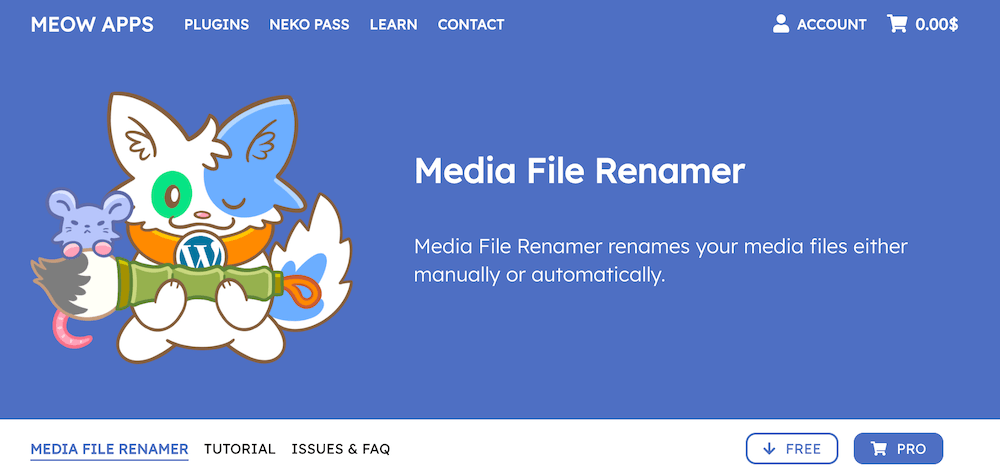
Media File Renamer by Meow Apps has over 40,000 active installs, making it the most widely used tool in the renaming category. The plugin’s AI Vision feature analyzes the actual content of each image and generates a meaningful, descriptive filename based on what it sees. No more cryptic camera roll filenames in your media library.
Key features:
- AI Vision analysis examines each image and writes a descriptive filename based on content, not metadata.
- Runs automatically on upload so files are renamed the moment they enter the media library.
- Updates all internal references automatically so no links break when a file is renamed.
- 20+ renaming rule combinations: prefix, suffix, numbering, custom patterns, and more.
- Lock system to protect files you’ve already named manually from being overwritten.
- Pro version syncs metadata (alt text, title, caption, description) to match the new filename.
The free version handles basic auto-renaming based on existing post or attachment data. The Pro version unlocks AI Vision, bulk rename tools, and the metadata sync, which is where the real time savings are. Pricing for the Pro version starts at around $39 per year.
Tip
Pro Tip
Pro Tip
Run Media File Renamer’s bulk tool on your existing library before going live with any of the other plugins on this list. Getting your filenames right first means the AI alt text and metadata tools have better context to work with when they run.
2. AltText.ai for Automatic Alt Text on Every Upload
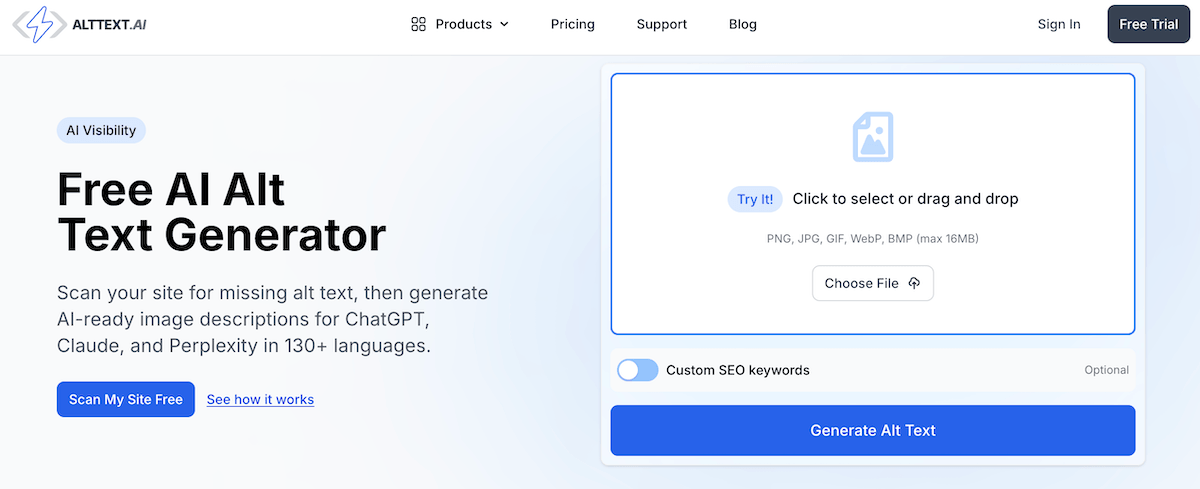
Alt text is the most commonly skipped SEO task in WordPress, and one of the most consequential. Missing alt text makes your images invisible to search engines and inaccessible to screen reader users. AltText.ai solves this by generating descriptive, natural-language alt text for every image the moment it’s uploaded, with no manual steps required.
Key features:
- Automatic alt text generation on upload: every new image is described before it’s ever used.
- Understands image context, not just object detection and produces natural descriptions rather than keyword lists.
- Bulk mode for processing existing libraries: run a one-time pass on all images without alt text.
- Supports WCAG 2.1 accessibility compliance requirements.
- Works with WooCommerce product images, which are often the worst-offenders for missing alt text on ecommerce sites.
The free tier covers low-volume sites with a credit-based model. Paid plans scale for higher-volume use, which is particularly useful for WooCommerce stores processing hundreds of new product images regularly. With 20,000+ active installs and a straightforward setup, it’s one of the easiest wins on this list.
Tip
Pro Tip
Pro Tip
Don’t treat AI-generated alt text as final for your most important images! Hero images, product shots, and featured or gallery images are worth a manual review. But for the long tail of supporting images (screenshots, blog illustrations, background photos), letting AI handle it entirely is perfectly fine.
3. WP Media Folder for AI Metadata Generation at Scale
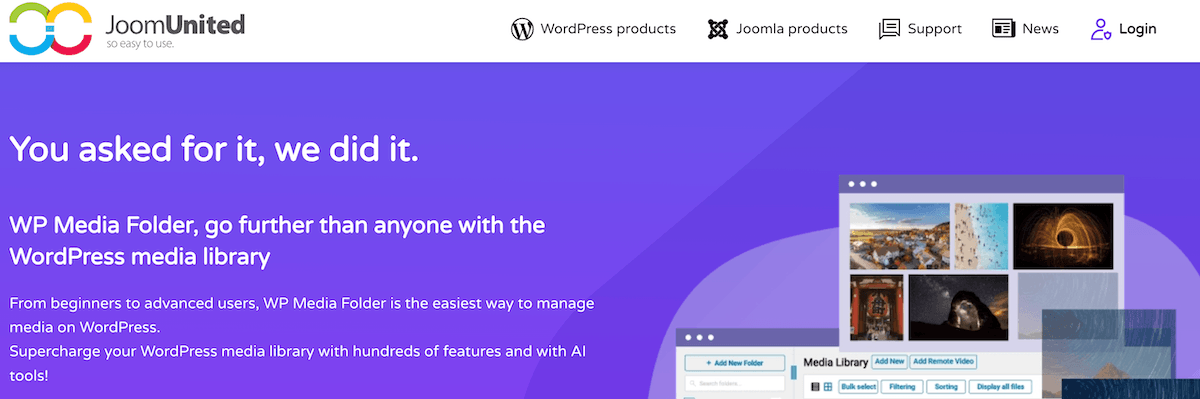
WP Media Folder by JoomUnited is the most comprehensive option on this list. It combines a full folder organisation system with one-click AI metadata generation, making it the right choice for sites that need to sort out both structure and metadata at the same time, particularly WooCommerce stores with large product catalogues.
Key features:
- One-click AI metadata generation: automatically creates titles, alt text, descriptions, and captions in bulk.
- Unlimited folders with colour-coded icons and drag-and-drop rearrangement.
- Media replacement that preserves original URLs: swap images without breaking any links.
- Two-way cloud sync with Google Drive, Dropbox, OneDrive, Amazon S3, Cloudflare R2, and more.
- Automatic file renaming on upload with 20+ customization rules.
- WooCommerce product image organization by category with product-specific gallery support.
The AI metadata feature is credit-based starting at $10 per 1,000 images; cheap enough for a one-time backlog clear, and affordable at scale for regularly updated catalogues. The plugin itself costs $49/year (plugin only) or $69/year for the full add-on bundle including expanded cloud connectors and gallery themes. No auto-renewal: you only pay again if you want continued updates.
Tip
Pro Tip
Pro Tip
If you have a backlog of images with no alt text, WP Media Folder’s bulk AI metadata tool is the fastest way to fix it in one go. Run it once on your existing library, then switch to Alt Text AI for ongoing uploads. Or just keep using WP Media Folder for everything if you want one tool to handle both.
4. Media Library Organizer for AI Visual Categorization
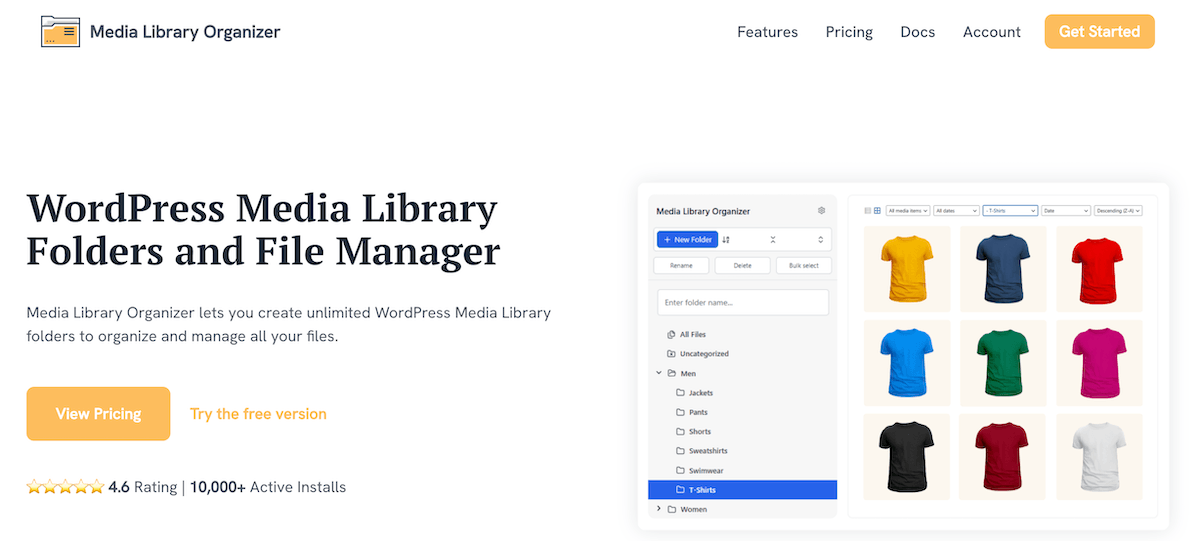
If you want AI-powered media management without spending anything, Media Library Organizer by Themeisle is the one to install. It includes AI functionality in the form of automatic image categorization based on visual recognition.
Key features:
- AI image categorization: automatically assigns images to categories based on what the AI sees in the photo
- Smart upload workflow: prompts for folder selection and metadata at the point of upload
- Unlimited folders and subfolders with drag-and-drop organisation.
- Export functionality for migrating or backing up your media organization structure.
The AI categorization won’t replace a carefully thought-out taxonomy on a large site, but for smaller sites or anyone who wants to get organized quickly, it’s a strong option. Its free version has 20,000+ active installs and the 4.7/5 rating across 141 reviews suggests it’s reliable in practice. The premium version starts at $49 a year. Worth installing just to see if the automatic categorization fits your content structure.
Tip
Pro Tip
Pro Tip
Media Library Organizer pairs well with Alt Text AI. Install both, and every new upload gets automatically categorized and described. It makes for an efficient AI media workflow.
5. Imagify for AI Image Compression & Format Conversion
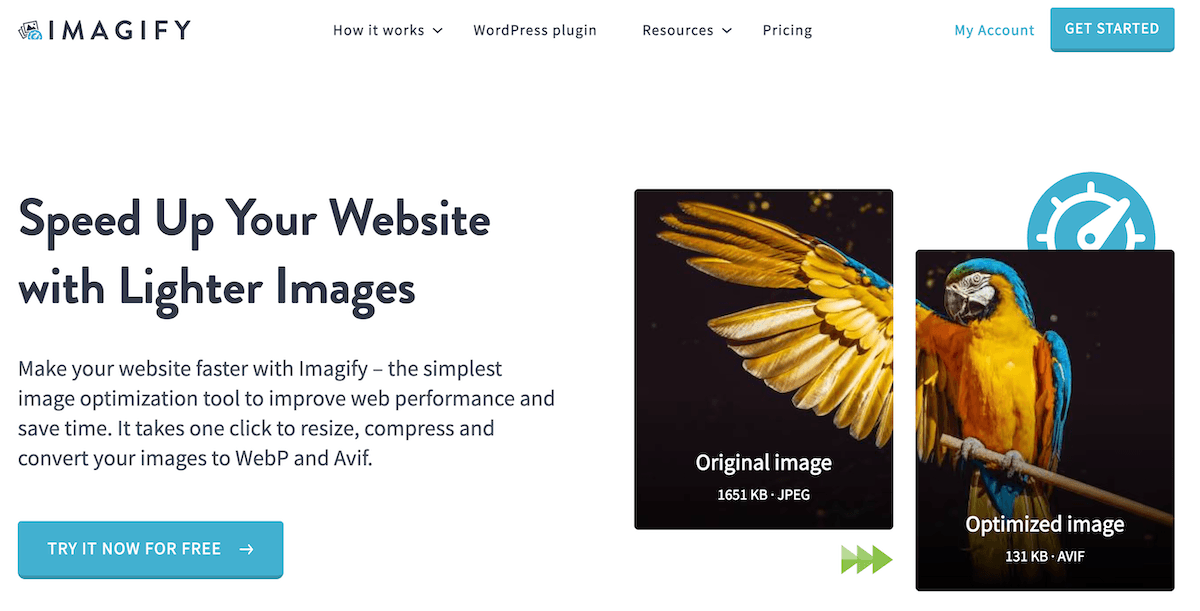
Uncompressed images are one of the most common causes of poor Core Web Vitals scores, and Imagify is the most accessible solution to this problem. With over a million active installs, it’s the category leader for AI-powered image optimization in WordPress. It compresses images on upload and converts them to WebP or AVIF automatically, which the modern format browsers increasingly prefer for page performance.
Key features:
- Lossless, lossy, and ultra-compression modes: you control the quality-to-size tradeoff.
- Automatic WebP and AVIF conversion: modern format served to browsers that support it, original format fallback for those that don’t.
- Bulk optimization for existing libraries with a single click.
- Integrates with Elementor, DIVI, WPBakery, WooCommerce, and all major page builders.
- Detailed savings report showing how much each image has been reduced.
The free tier covers 200 images per month, which is enough for most blogs and smaller sites. Paid plans start at $4.99 per month. If your site has a lot of full-resolution photography or you’re running a WooCommerce store with large product images, the paid option is worth it. Image compression is one of the highest-return technical SEO tasks you can automate, and Imagify makes it entirely hands-off.
Tip
Pro Tip
Pro Tip
Enable Imagify’s “auto-optimize on upload” setting on day one and forget about it. Unlike alt text or filenames, there’s almost never a reason to review compression manually and the plugin handles it correctly by default.
5 Tips for Building an AI-Assisted Media Workflow
As we’ve seen in the plugin descriptions, AI can genuinely help when it comes to WordPress media management. Some of the routine tasks you can hand over include:
- Alt text generation: AI analyses the image and writes a descriptive, natural-language caption suitable for screen readers and search engines. What used to take over 30 seconds per image now happens in milliseconds.
- File renaming: AI vision tools can look at an image and generate a meaningful, SEO-friendly filename. “IMG_4892.jpg” becomes “blue-merle-border-collie-running-on-beach.jpg” automatically.
- Image optimization: AI compression algorithms reduce file size while preserving visual quality, and some modern plugins can also convert images to WebP or AVIF format on upload to meet current best practices.
- Metadata tagging: Titles, captions, and descriptions can all be generated in bulk, giving your media library a complete metadata layer without manual effort.
To accomplish this, and other tasks, you need to get your plugins working together efficiently. Here’s how to set up a workflow that runs itself.
1. Build your “on upload” stack first
The biggest efficiency gain comes from automating the moment of upload. We call this the ‘zero-touch upload stack’: configure Media File Renamer, Alt Text AI, and Imagify to all run on upload. One caveat though: don’t enable all three simultaneously on a shared hosting plan until you’ve tested it; running three API calls per upload can trigger rate limits on slower servers.
Doing this ensures every image that enters your library will arrive already named, described, and compressed. You never have to think about any of these tasks again for new content. Set this up before you do anything else.
2. Clear the backlog before going live
If your site already has a library full of unnamed, unoptimized, untagged images, deal with them before relying on the new stack. Run Imagify’s bulk compress first (so the AI has the best image quality to work from), then Media File Renamer’s batch rename, then Alt Text AI or WP Media Folder’s bulk metadata generation. Doing it in this order gets you the best results from each tool.
3. Review AI output for your most visible images
AI is reliable for the hundreds of supporting images on a site where manual review isn’t practical. For hero images, product shots, and anything that shows up in search results or social shares, spend a little time reviewing what the AI has produced. It’s almost always close to right, but “close to right” on a product image that drives conversions is worth a quick check.
4. Use descriptive folder names (they feed the AI)
Media File Renamer and WP Media Folder both use contextual signals when generating names and metadata. If your upload folder is named “2026-summer-collection-product-photography” rather than “Uploads”, the AI has more to work with and produces more relevant output. Take a few seconds to name your folders properly and you’ll see better results from every AI tool on top of it.
5. Lock in what you’ve already approved
Both Media File Renamer and WP Media Folder include a lock system that prevents future bulk operations from overwriting files you’ve already reviewed. Use it. If you’ve manually refined the alt text on your 20 most important product images, locking them means a future batch run won’t touch them. On multi-author sites where different people upload media, this is especially important.
Before you switch everything to auto-pilot, spend 20 minutes configuring the rules properly: folder naming conventions, any locked files you want to protect, which metadata fields you want synced. AI tools perform best when they have good context to work from, and a small amount of upfront setup pays for itself immediately. And make sure you’re reviewing AI output for your most visible images: hero shots, product photos, anything that ends up in a social share. AI is excellent on volume, but editorial judgment still matters for the images that represent your brand.
Steve Usher, FooPlugins Developer
What About WordPress.com’s New AI Agents?
In March 2026, WordPress.com announced that AI agents can now create, edit, and manage media directly on hosted WordPress.com sites. This includes generating images from prompts and modifying existing uploads. It’s a genuinely impressive feature.
However, it’s important to be clear about the scope: this is a WordPress.com feature (their paid hosted platform), not something available to self-hosted WordPress.org sites, which accounts for the vast majority of WordPress installations. If you’re running WordPress on your own hosting, these AI agents aren’t available to you natively.
The five plugins above are the self-hosted equivalent. They don’t require you to be on any particular hosting plan, they work with any WordPress.org installation, and several of them – particularly Media File Renamer – have been doing this kind of AI-assisted media work for years before the WordPress.com announcement.
Set Up AI Media Management Today
You don’t need to install all five plugins, but you should have at least one covering each of the three core jobs: renaming (Media File Renamer), alt text (Alt Text AI), and compression (Imagify). That combination takes under an hour to configure, and will handle the media management tasks most sites have been doing manually for years.
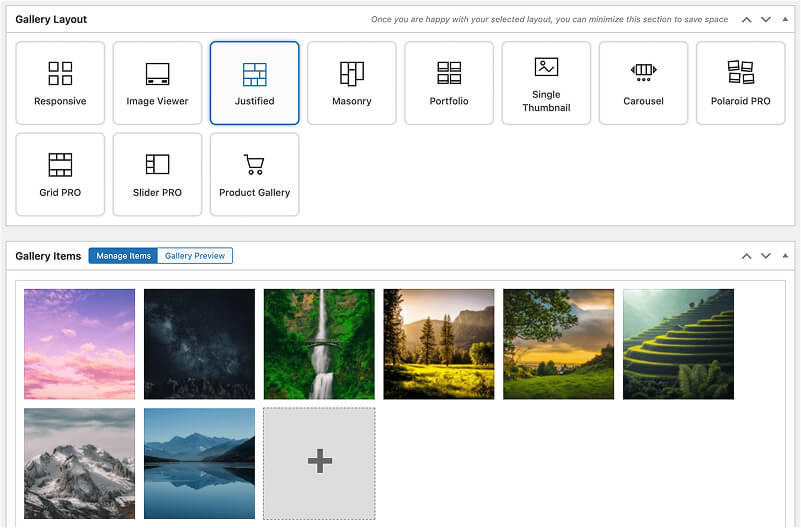
If you’re also looking for a better way to organize your media library with folders and categories, take a look at our guide to the best WordPress media library management plugins. And once your media is properly organized and optimized, FooGallery offers the ideal solution for displaying images beautifully on the front end.
FooGallery WordPress gallery plugin
The Best WordPress Gallery Plugin
FooGallery is an easy-to-use WordPress gallery plugin with stunning gallery layouts and a focus on speed and SEO.
Media Management FAQ
Yes. Media Library Organizer by Themeisle includes AI image categorization in its free version, and AltText.ai offers a free credit-based tier that covers low-volume sites. Between the two, you can get automatic categorization and alt text generation without spending anything, making them a solid starting point before committing to a paid tool.
Only if you’re on WordPress.com’s paid hosted platform. In March 2026, WordPress.com announced that AI agents can now create, edit, and manage media directly on hosted sites. If you’re running a self-hosted WordPress.org site (which most WordPress users are), that feature isn’t available natively, and the plugins in this guide are your equivalent.
In most cases, yes. Tools like AltText.ai are designed to meet WCAG 2.1 requirements and produce natural-language descriptions that work well for screen readers. That said, it’s worth manually reviewing alt text on your most important images (hero shots, product images, infographics) where accuracy and tone really matter.
Yes. Media File Renamer automatically updates all internal references when a file is renamed, so posts, pages, and widgets that link to that image stay intact. It’s still good practice to run a backup before doing a bulk rename on a large library, especially if you use third-party page builders that store URLs in their own way.