
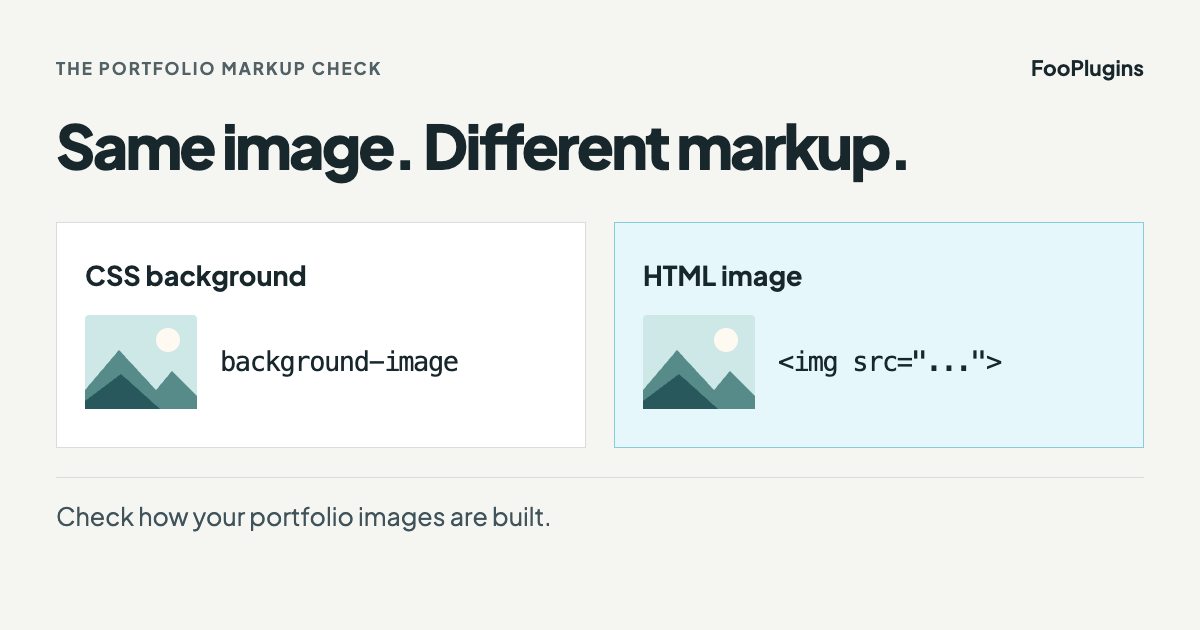
A photography portfolio can look right while hiding its most important content from search engines.
That was the problem web designer Alex Vita documented while rebuilding Ryan Brenizer’s website. Ryan is a New York wedding photographer and the creator of the Brenizer Method. During the rebuild, he noticed that the existing Elementor gallery presented portfolio photos as CSS background images instead of standard HTML image elements.
Visitors could still see the gallery but the problem was in the markup underneath it.
Google’s image SEO guidance says it can find images in the src attribute of an <img> element and does not index CSS images. That makes the distinction worth checking on any site where images are the product, the proof, or the reason someone might get in touch.
Disclosure: FooGallery is made by FooPlugins. This article explains a public FooGallery implementation and links to the original practitioner account. It does not claim that FooGallery caused rankings, traffic, leads, or revenue for Ryan Brenizer.
The Two-Minute Check
First start with a quick check: open one of your important gallery or portfolio pages. Right-click a gallery image and choose Inspect.
You are looking for markup like this:
<img src="/path/to/photo-thumbnail.jpg" alt="Descriptive text" loading="lazy" width="540" height="360">Code language: HTML, XML (xml)The exact attributes will vary, but the important part is that the photograph is represented by an <img> element with a real src value.
If there is an issue, it will look something like this:
<div style="background-image: url('/path/to/photo.jpg')"></div>Code language: HTML, XML (xml)Bear in mind that CSS background images are useful for decoration, but they are a poor fit for the main photographs in a portfolio because Google does not index CSS images. Additionally, real image markup is necessary for discoverability, but it doesn’t guarantee that an image will be indexed or rank.
What Changed on the Portfolio Pages
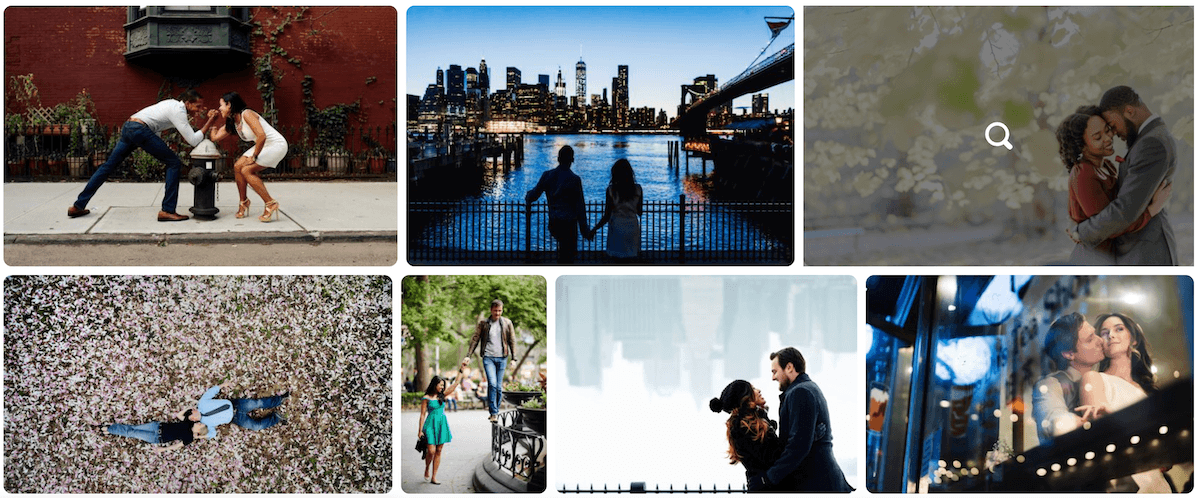
Alex tested FooGallery on one portfolio page, checked the generated source, and then used it across all five portfolios. His public case study describes the practical result: the portfolio images were represented by real image elements rather than CSS backgrounds.
Here’s what was useful about that result: a read-only check of the five public portfolio pages on 14 September 2026 found FooGallery markup and gallery image URLs inside <img src> attributes. The inspected gallery images also had width, height, and native lazy-loading attributes.
The check did not prove Google Images inclusion, better rankings, more search traffic, improved Core Web Vitals, or more enquiries. It only confirmed that the live gallery output gave search engines standard image markup to process.
The five public portfolios checked were:
Real Image Markup Does Not Fix Your Alt Text
One of the main takeaways from this case study is that FooGallery can output the alt text supplied in the WordPress Media Library. Howver, it does not invent useful alt text for you. If the Media Library alt field is empty, the gallery cannot provide a meaningful description by itself.
The September inspection found many portfolio images without an alt attribute in the initial public HTML. That does not undo the move from CSS backgrounds to image elements, but it does show that markup and content quality are separate jobs.
A sound image workflow therefore needs both:
- An HTML image element with a real source URL.
- Useful alt text when the image needs a text alternative.
Alt text should describe the image in context. It should not be stuffed with keywords, and decorative images should be handled according to their purpose. The Google image SEO guide and W3C image accessibility tutorial are better references than any blanket rule that every image needs a long description.
Why FooGallery Fit this Job
The website needed a photograph-led justified layout without treating the photographs as decorative page backgrounds. It also needed a workflow Ryan and Robin could manage in WordPress after the handover.
Alex’s public account describes training that included gallery reordering in FooGallery. That matters because a portfolio is never really handed over if a developer has to make every routine image change.
For this project, FooGallery handled the gallery layer, including:
- real HTML image elements.
- generated thumbnails and lightbox images.
- justified portfolio layouts.
- lazy-loading attributes.
- gallery ordering in WordPress.
- placement inside the Elementor-built pages.
The wider website still had other tools in place. WordPress stored the media metadata, while the site team controlled filenames, alt text, captions, image selection, and uploads. Hosting, caching, page-builder assets, redirects, page copy, authority, and search engine behaviour all sat outside the gallery plugin.
That boundary is important as a gallery plugin can produce better markup. It cannot rescue oversized source files, empty media metadata, weak page content, broken redirects, or a site that search engines cannot crawl. For this, other tools are necessary.
When a Gallery Plugin May be the Wrong Tool
In the end, this was a portfolio problem, not an ecommerce or digital asset management problem.
If you need to sell prints, license images, manage fulfilment, expose a huge searchable archive, or maintain complex rights metadata, a conventional WordPress gallery plugin may not be the best choice for you. A dedicated photography commerce or archive platform may fit better.
Large galleries also need restraint. Check that thumbnails are not serving full-size originals, use appropriate lazy loading or paging, and curate the portfolio instead of treating it as an archive. This will ensure better gallery performance.
The Honest SEO Takeaway
Here’s what we know from this case study:
Ryan Brenizer’s portfolio pages needed the main photographs to exist as real image elements, not only as CSS backgrounds. Alex tested FooGallery, confirmed that output, and used it across five portfolio pages.
However, the evidence does not show that FooGallery caused higher rankings, Google Images traffic, AI visibility, faster Core Web Vitals, more leads, or more revenue.
The site was new when Alex published his case study, and the project also involved a domain move, redesign, platform migration, redirect work, content pruning, and a brand shift. Any later search or enquiry change would have several possible causes.
Good customer stories do not need inflated numbers. This one has a useful lesson without them: if images are the reason someone might hire you, make sure the gallery outputs images that machines can actually find and process.
Check Your Own Gallery
Pick one important gallery page and run the same check:
- Inspect a gallery image.
- Confirm it is an
<img>element with a realsrcvalue. - Check whether useful alt text is present where it should be.
- Confirm grid thumbnails are not full-size originals.
- Ask whether the person maintaining the site can add and reorder images without a developer.
If the current gallery passes those checks, keep it.
If it does not, download FooGallery Free and test one portfolio page before committing to a larger rebuild.
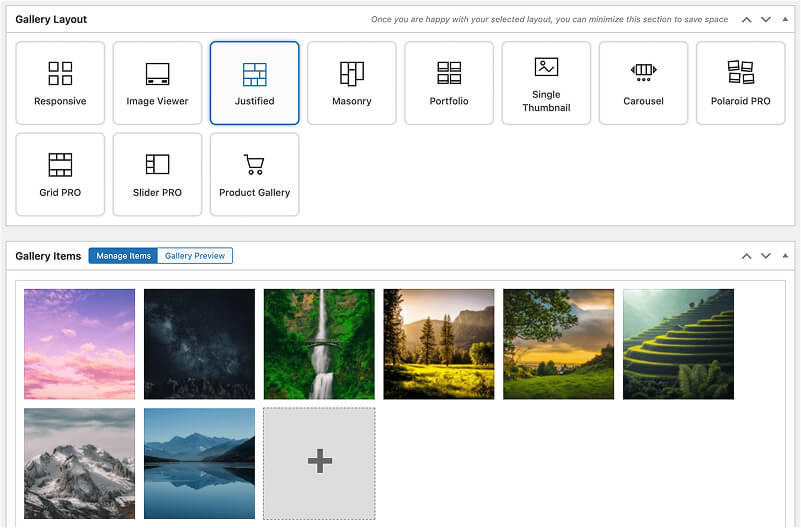
FooGallery WordPress gallery plugin
The Best WordPress Gallery Plugin
FooGallery is an easy-to-use WordPress gallery plugin with stunning gallery layouts and a focus on speed and SEO.
Sources and Verification
- Alex Vita’s public Ryan Brenizer website case study, published 29 July 2026.
- Ryan Brenizer’s public portfolio pages, checked read-only on 14 September 2026.
- Google Search Central image SEO best practices, including its guidance on HTML image elements and CSS images.
- W3C image accessibility tutorial.
- FooGallery 3.2.6 clean-site verification used to confirm current image and alt-text handling boundaries.