

The NextGen gallery plugin recently had some trouble with PHP 7 compatibility, and we had a lot of people asking how they can migrate hundreds of galleries that they had created using NextGen, into a good alternative, like FooGallery. It turns out this is really simple and effortless to do, using the NextGen Importer extension, which comes bundled with FooGallery and is also free!
2026 update: This NextGEN alternative article is older. For a current hands-on benchmark of FooGallery, Envira Gallery, and Modula, use the canonical 2026 gallery plugin comparison.
NextGen is not for everyone, so if you want to move to an alternative, then FooGallery is a great choice.
How to migrate from NextGen to FooGallery
Follow these simple steps to migrate your galleries from NextGen to FooGallery.
Install the FooGallery plugin. There is a free version, or you can opt for the additional benefits that come with FooGallery Pro. Once installed, activate the plugin. If you already have FooGallery, then update to version 1.4.12 or later.
From your dashboard, you’ll see FooGallery in your menu on your left. Hover over FooGallery, then click on Extensions.
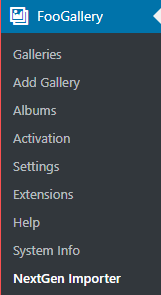
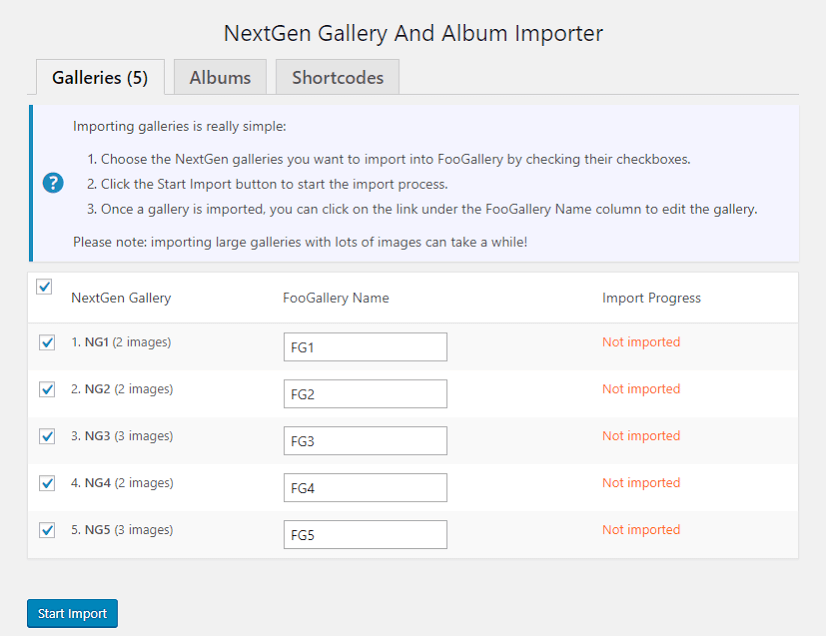
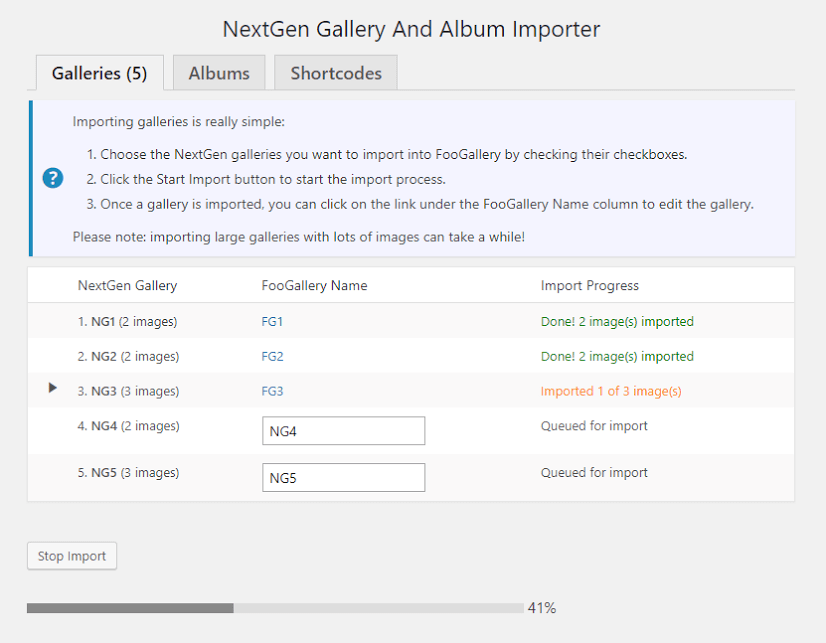
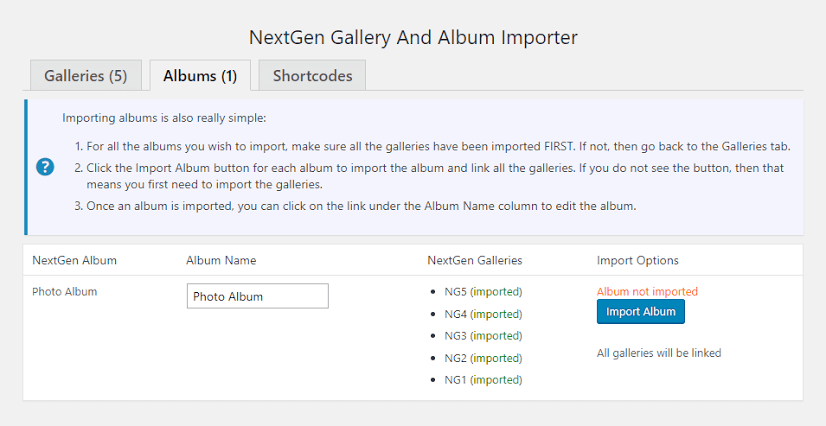
Scroll down until you see the NextGen importer. Hit Activate. You’ll now see a NextGen Importer in your FooGallery menu. You’ll now be able to import all NextGen galleries and albums. And a handy new feature that was released in FooGallery 1.4.12 is the ability to find and replace all NextGen gallery shortcodes directly to the imported FooGallery shortcodes. It really couldn’t be any easier!

For a PHP 7 compatible gallery, download FooGallery now.