
Every photographer knows how the workflow works. You finish a shoot, edit a set of images, and then the real administrative work begins: getting the photos in front of your client, collecting their feedback, working out which images they actually want, and turning those choices into a sale. Done with a patchwork of tools, that process can take up more time than the editing did.
Our solution? FooGallery Studio; this toolset is built to collapse that patchwork into one flow, inside the WordPress site you already own. Client Proofing handles the review and approval stage, PRO Commerce handles the selling stage, and because both live in the same gallery system, nothing has to be exported, re-uploaded, or retyped in between.
Here’s what that looks like from start to finish.
Step 1: Private Proofing Gallery
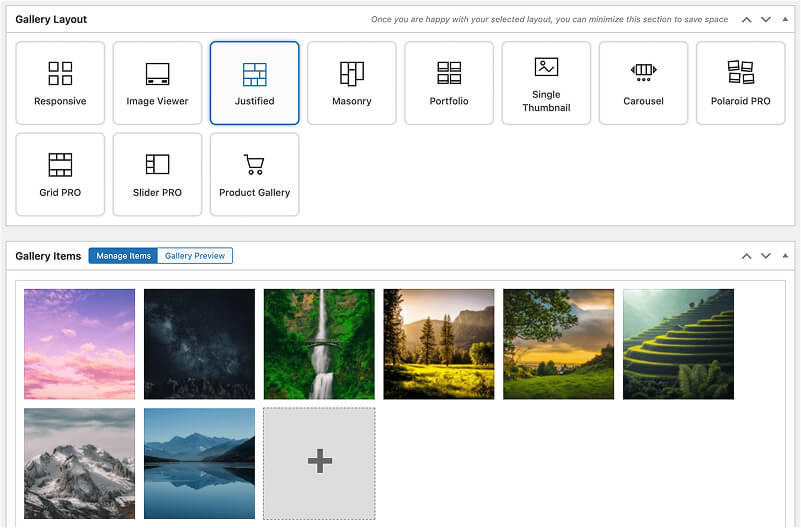
After the shoot, you upload your edited images to a gallery and set it up as a private proofing session. You can use any of the gallery templates, or simply apply the Proofing layout, which has the recommended settings in place by default.
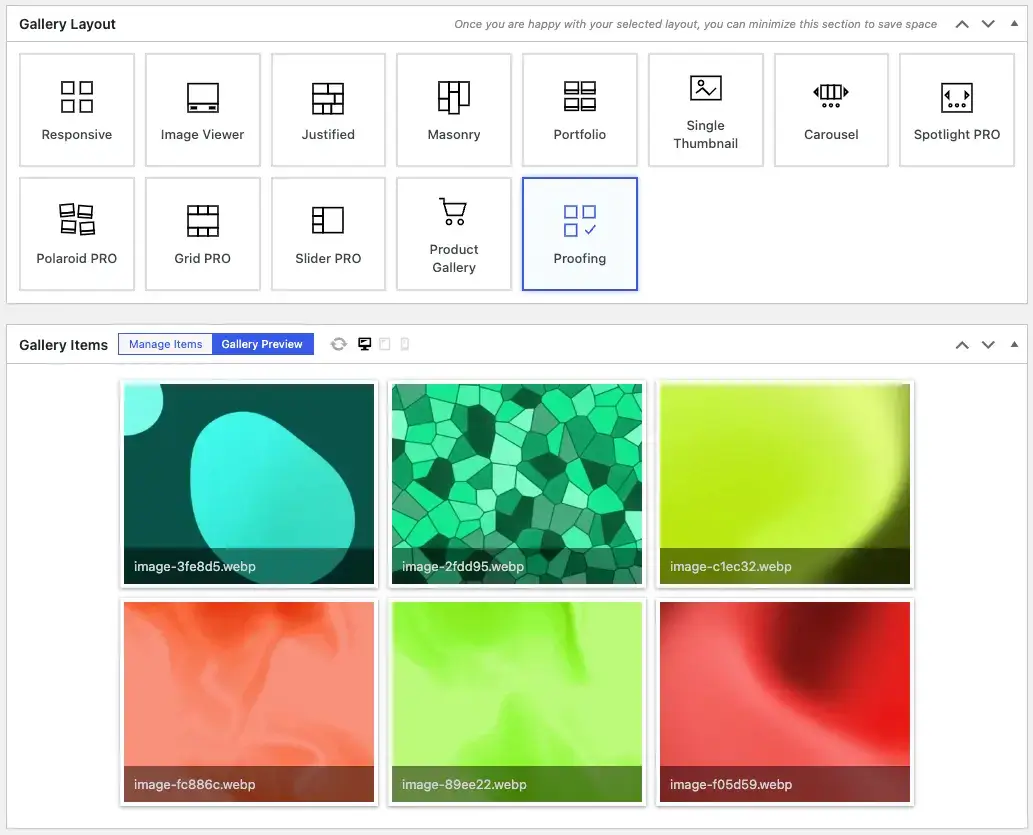
Once the gallery has been set up, you’ll establish the proofing settings. This will include the client email, minimum and maximum number of images for approval, and so on. Then, instead of sending a public link or a large download, your client gets a unique access link to a dedicated gallery meant for review: a clean, branded space on your own site where only they can see their images.
Why it matters: your clients see your work on your website, under your brand, rather than inside a third-party file-sharing tool. It’s a more polished first impression, and it keeps your portfolio site working as the center of your business rather than a separate thing from how you deliver work.
Step 2: Client Review
This is the stage where most workflows slow down. Feedback often comes in the form of a long email thread, a numbered list typed into a message, or screenshots with circles drawn on them. Someone has to sort through it all, which can lead to mistakes; a filename gets mistyped or an image gets missed and you’re back to square one with the client.
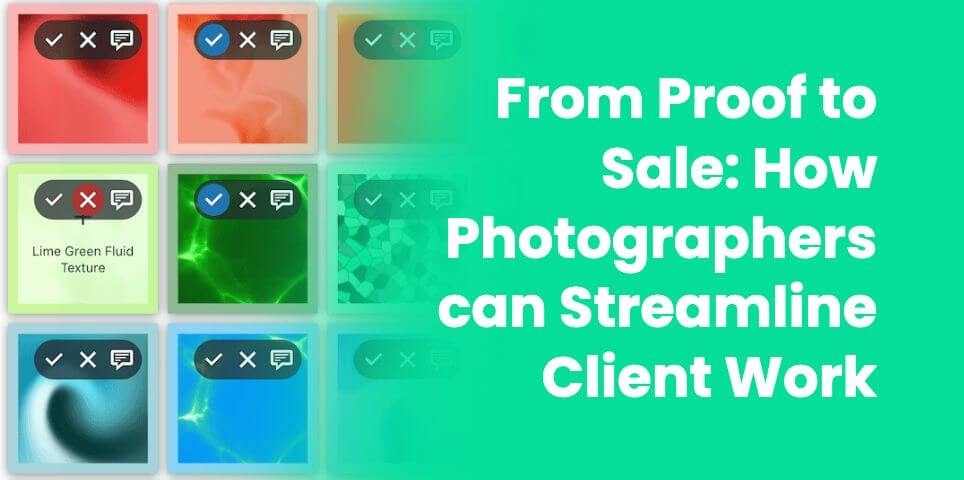
With Client Proofing, your client works directly inside the gallery. They can approve or reject individual images and leave notes on specific photos, so feedback is attached to the exact image it refers to. There’s no ambiguity about which shot someone meant, and no translating a messy email into an edit list.
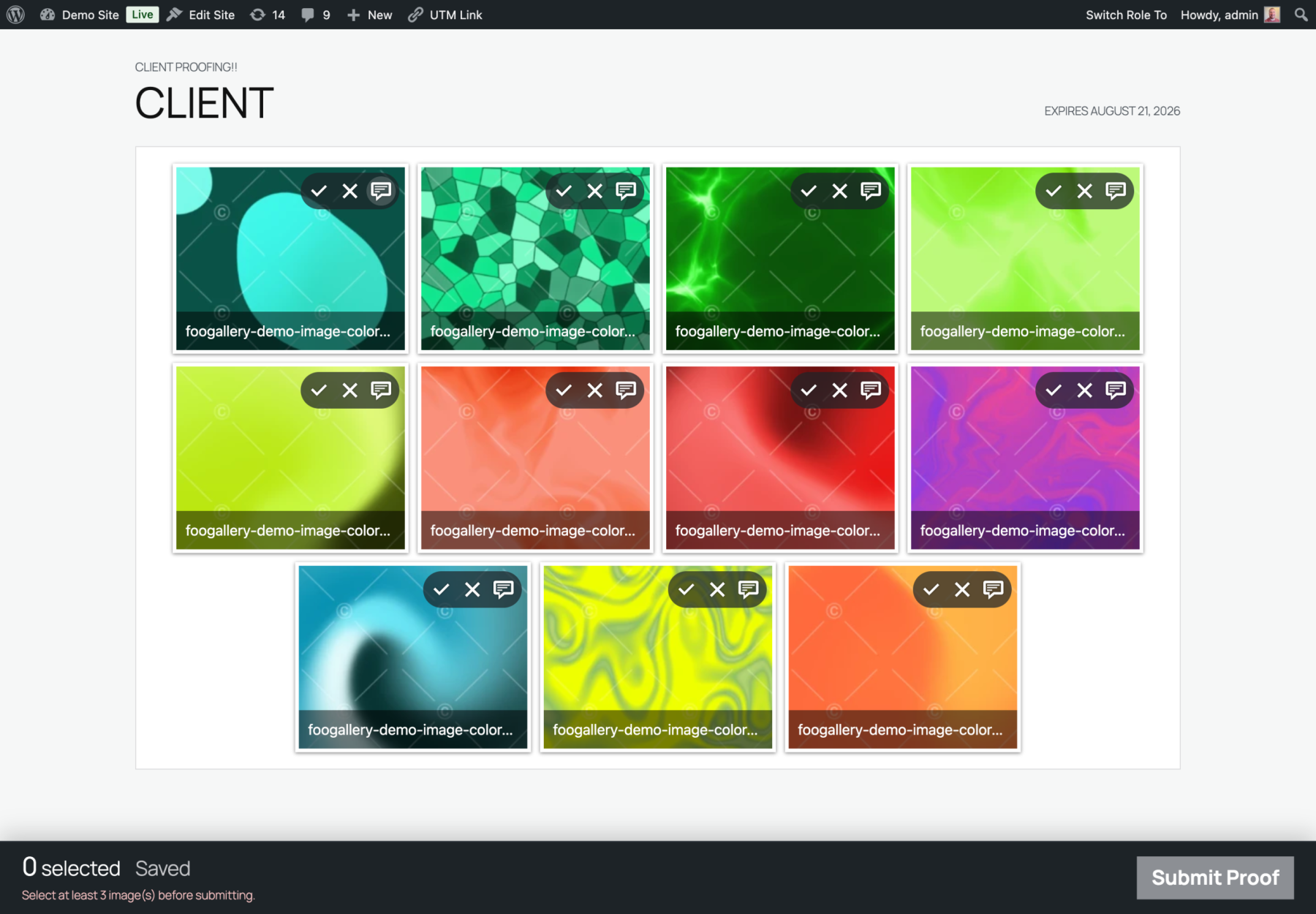
This improves the process by:
- Saving time: it is no longer necessary to decipher feedback spread across emails, texts, and spreadsheets, limiting the back and forth between photographer and client.
- Reducing errors: comments live on the image itself, so nothing gets lost in translation.
- Creating a smoother experience for the client: clients review at their own pace, on any device, without needing an account on another platform.
Step 3: Initiate the Sale
Once your client has made their picks, you’re at the point where many photographers would have to switch tools: export the selections, set up a separate order form or store, and manually send an invoice.
Because FooGallery PRO Commerce and Client Proofing are part of the same system, you can offer the approved images for purchase from the same gallery environment. Depending on how you work, that might mean selling digital downloads, prints, or packages, such as a bundle of finals at a set price or a print package for a family portrait session.
Pro Commerce integrates with WooCommerce, making it easy to display products in your gallery. Simply add the client’s picks as WooCommerce products and use the WooCommerce datasource to generate a gallery. For image downloads, you can add variant sizes, or use the Master Product feature to save time. Client can select the images (and image sizes) they want, add to the cart and proceed to checkout.

How this helps:
- One system, one workflow: the ecommerce side isn’t a different plugin or platform; it’s all part of the same system, resulting in a more seamless experience with fewer hurdles.
- Less manual handoff: you aren’t rebuilding a client’s selections in a separate store, or emailing through the invoice. Everything is done in one place.
- Flexible offers: with packages and tiered pricing you can structure sales around how you actually work, instead of forcing every job into the same format.
Step 4: Deliver and Get Paid
When the sale is complete, the client gets what they paid for and you get paid, all through the same site where the whole conversation happened. There’s no separate checkout to maintain and no trail of disconnected tools to reconcile at the end of the month. This is simpler for you as the photographer, but also makes the client’s experience that much better, ensuring repeat business in the future.
The Case for Keeping it All in One Place
Individually, each step of this workflow can be solved with a dedicated tool. But that approach comes with a cost: different accounts to manage, information to copy over, and a client experience that changes every time they switch platforms.
Keeping proofing and ecommerce together means:
- Less time on admin. Because there are fewer handoffs there are also fewer tasks that exist only to move information from one tool to another.
- A more automated flow. The whole process (gallery to review to selection to sale) is one continuous path instead of four separate projects.
- A smoother, consistent client experience. Your client stays on your site, and in one workflow, from first look to final purchase.
- One license to maintain. Studio bundles Client Proofing and PRO Commerce (along with the Social and User Uploads add-ons) under one 3-site license, so you aren’t managing separate purchases and renewals.
Who this Workflow Suits Best
This approach is a natural fit for portrait, wedding, family, event, and commercial photographers who regularly deliver sets of images to clients and want a more streamlined path from review to sale. If you manage a main portfolio site plus a second site for a niche or specialty, the 3-site license means you can run the same workflow across both.
However, if you only need Pro Commerce, or one of the add-ons (Client Proofing, Social or User Uploads) then it may make more sense to buy these separately.
Ready to Streamline your Workflow?
With the FooGallery Studio bundle, you can optimize your photography workflow. Starting with setting up a private client gallery for proofing, and through every stage to purchase, this bundle provides the tools for a streamlined user experience. More than that, it makes your admin easier, simplifying your license renewals and updates, and keeping all of your client interactions in one place.
If you’d like to see how it fits your own process, explore FooGallery Studio and take a look at what’s included.
FooGallery Studio Bundle
The Best WordPress Gallery Bundle
All of the tools you need for advanced gallery workflows.