
Go to FooGallery > Settings > Proofing to configure global proofing messages. Save changes using the normal FooGallery settings control.
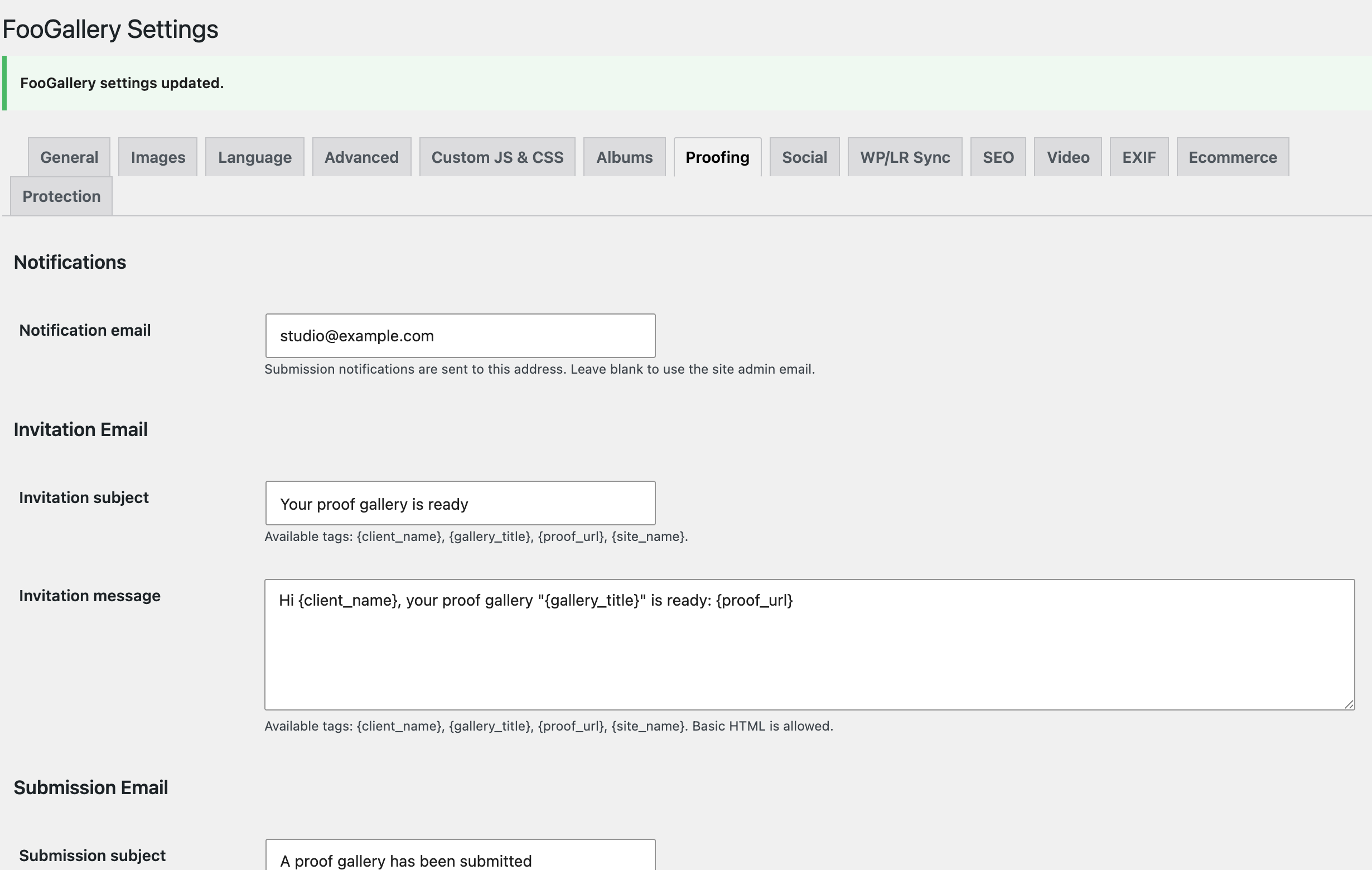
Notification email
Notification email receives submission notifications. Leave it blank to use the WordPress site administrator email.
The per-session Email on submit option determines whether a notification is sent for that session.
Invitation email
Customize Invitation subject and Invitation message. The message accepts basic HTML and these tags:
{client_name}{gallery_title}{proof_url}{site_name}
The default message introduces the gallery and includes its private proof URL. Keep {proof_url} in the template unless the private link will be supplied another way.
Submission email
Customize Submission subject and Submission message. The message accepts basic HTML and these tags:
{client_name}{gallery_title}{selected_count}{proof_admin_url}{site_name}
{proof_admin_url} links the notification recipient directly to the session detail screen and therefore requires an authenticated WordPress user with permission to edit the source gallery.
Frontend language strings
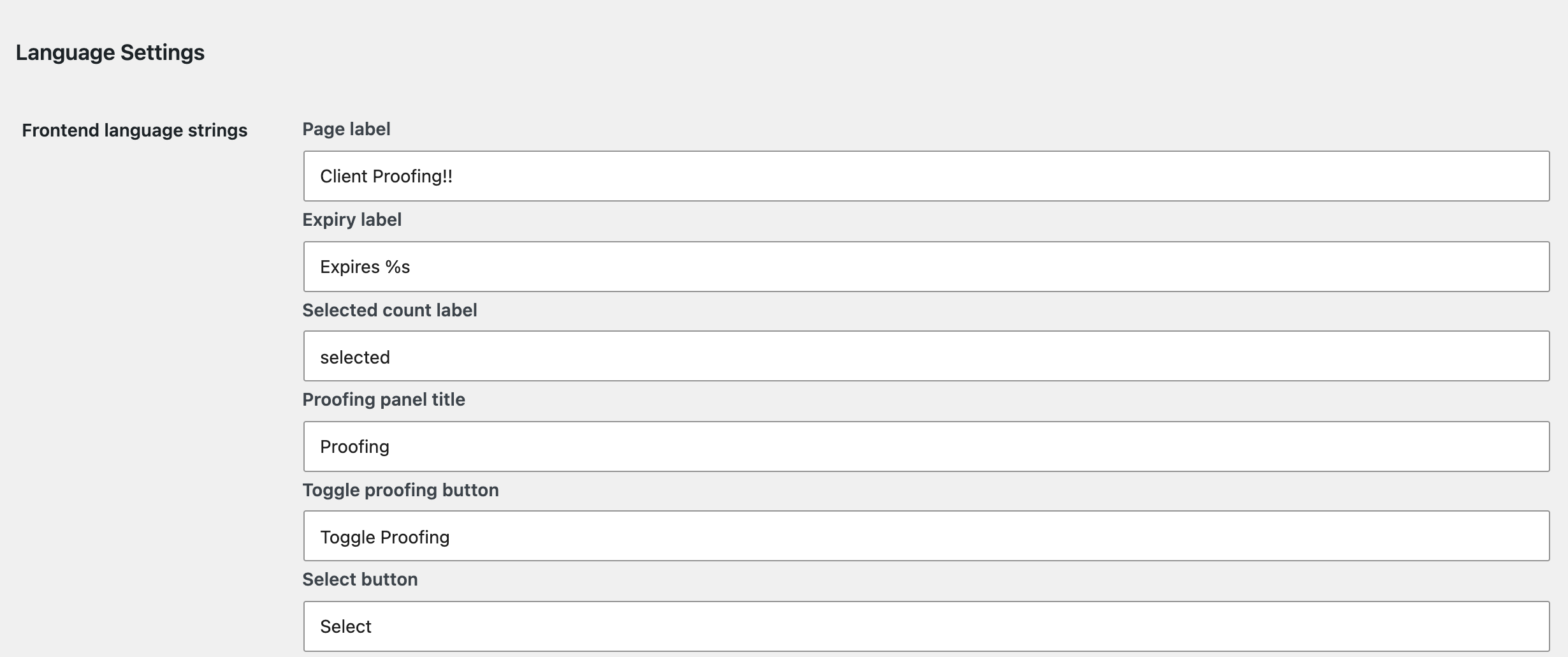
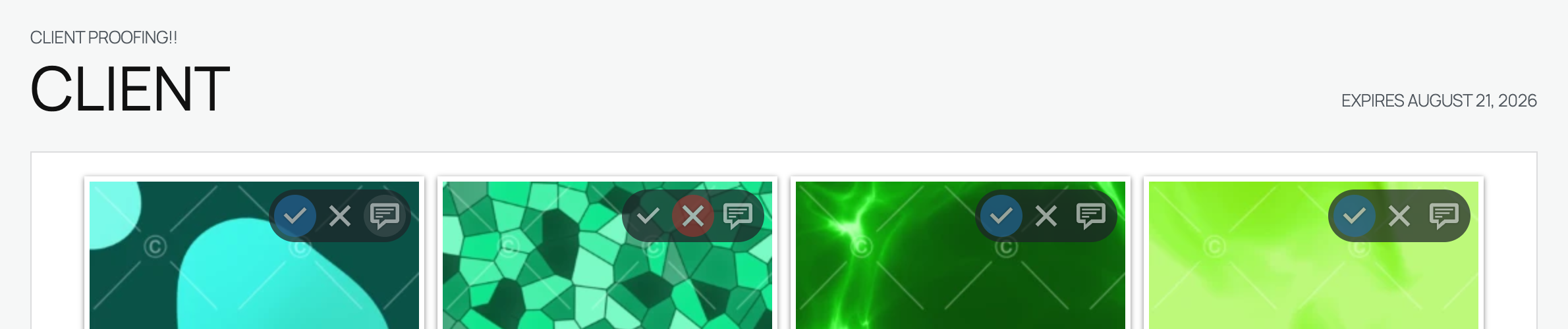
Use Frontend language strings to replace text displayed on public proofing pages. This is useful for matching studio terminology or providing a localized workflow without changing plugin files.
The available fields cover:
- Page, expiry, selected-count, and panel labels.
- Select, selected, reject, rejected, comment, and save-note controls.
- Saving, saved, pending, offline, submitted, and preview statuses.
- Submit confirmation and concurrency-conflict messages.
- Unavailable and read-only messages.
- Minimum and maximum selection validation.
Preserve placeholders
Some strings contain dynamic placeholders:
- The expiry label contains
%sor%1$sfor the formatted date. - Minimum and maximum selection messages contain
%dor%1$dfor the limit.
Keep the placeholder in the replacement text. For example:
Choose at least %d photographs before sending your favourites.Empty language fields are restored to their default text when settings are saved.
Email delivery notes
FooGallery Proofing sends HTML email through WordPress wp_mail(). If mail does not arrive:
- Check the session's Email Log.
- Confirm the client or notification address.
- Check junk or spam folders.
- Verify the site's SMTP or transactional email configuration.
- Send a fresh invitation after correcting delivery settings. Remember that this rotates the private link.


