
Use FooGallery > Proofing to track every client session and process submitted results.
Find a session
The session list shows:
- Client name and email.
- Source gallery.
- Current status.
- Number of selected images.
- Expiry date.
- Submission date.
Use the gallery and status controls, then select Filter, to narrow the list.

Session statuses
| Status | Meaning |
|---|---|
| Draft | Created or reopened, but not yet sent. |
| Sent | An invitation send was attempted successfully. |
| Viewed | The client opened the private proof. |
| Submitted | The client submitted the final selection; the page is read-only. |
| Approved | Available to integrations that need a post-submission approval stage. |
| Completed | The photographer closed the workflow; the public proof is unavailable. |
| Expired | The configured expiry has passed. |
| Revoked | Available to integrations that explicitly withdraw access. |
The built-in admin interface provides Complete and Reopen actions. Approved and Revoked are exposed for integrations but do not have dedicated buttons in the current interface.
Review selected and rejected images
Open a session with View. The detail screen shows the client, source gallery, status, selection limits, and expiry.
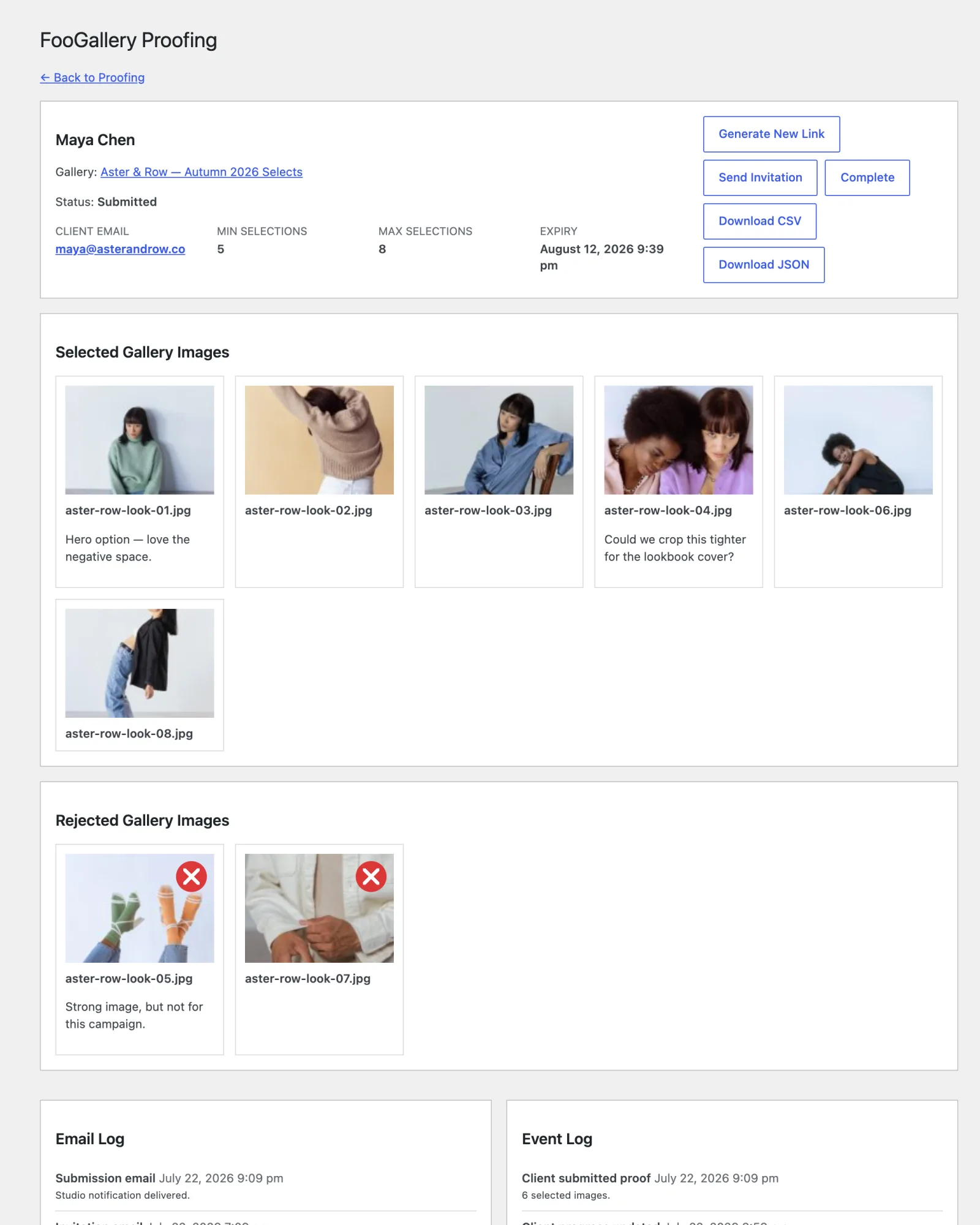
The Selected Gallery Images grid contains every selected image. When rejects are allowed, Rejected Gallery Images appears separately. Each card shows the attachment filename and any client note.
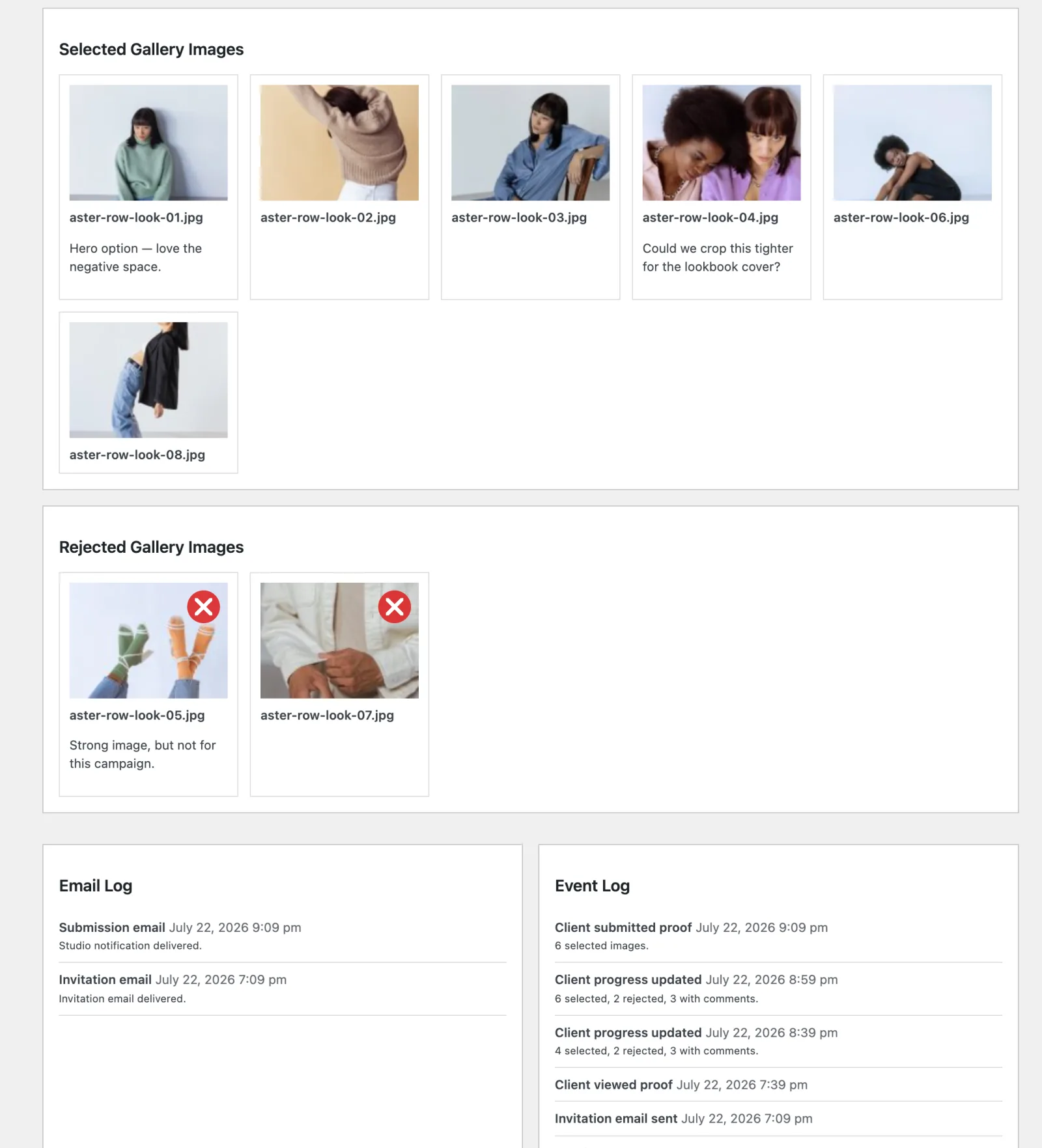
Comment-only images are included in exports even when they are not selected or rejected.
Read the logs
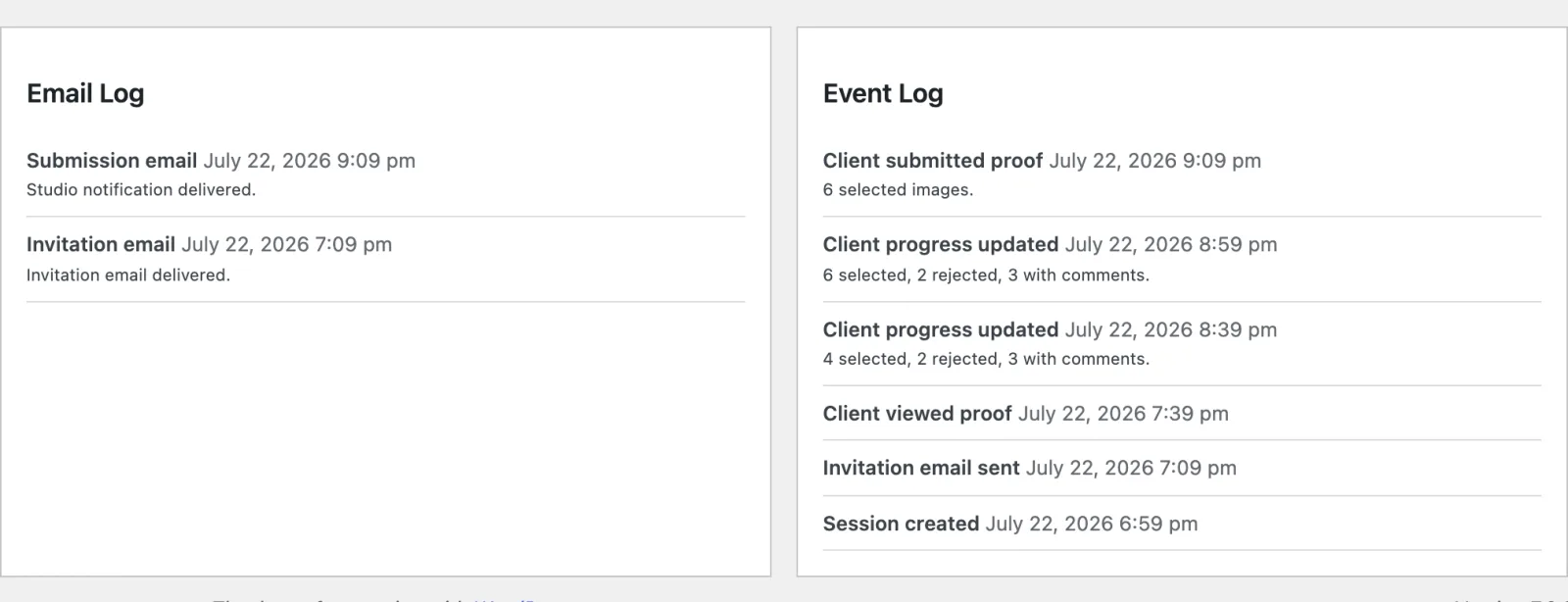
The Email Log stores the ten most recent invitation and submission delivery results.
The Event Log records up to 100 recent events, including session creation, link generation, client views, client progress summaries, submission, email delivery, and status changes.
Complete or reopen a session
Select Complete when no more client changes should be accepted. A completed session's public link becomes unavailable.
Select Reopen on a completed session to return it to Draft. Reopening does not generate a new token. Generate a new link separately when the old link should be invalidated.
Sessions in Draft, Sent, or Viewed are marked Expired automatically after their configured expiry. An expired session cannot be opened from its public link.
Export the results
The session detail screen provides Download CSV and Download JSON.
Both formats include only images that were selected, rejected, or commented on. Each row contains:
| Field | Description |
|---|---|
proof_id | The proofing session ID. |
gallery_id | The linked FooGallery gallery ID. |
attachment_id | The WordPress Media Library attachment ID. |
filename | The original media filename. |
title | The attachment title. |
selected | 1 when selected and 0 otherwise. |
status | Usually selected or rejected. |
comment | The client's image note, when present. |
CSV is convenient for spreadsheets and filename-based production workflows. JSON preserves the same fields in a structured format for scripts and integrations.


