

FooBox PRO Install Instructions
Thanks for supporting us by purchasing a license for FooBox PRO. The quickest way to install the plugin is to follow these steps.
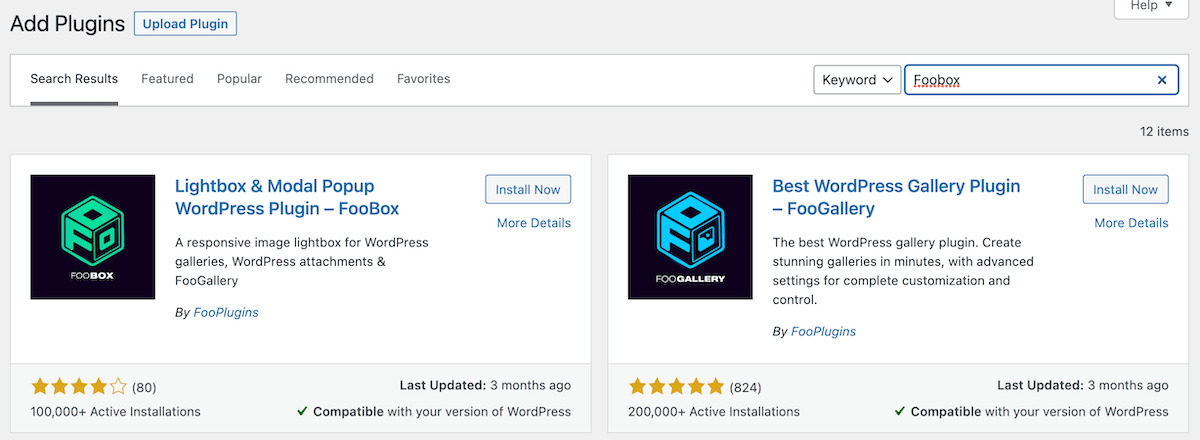
Installation
Install FooBox PRO in WordPress
After your purchase, you will get an email with a link to download the PRO plugin.
Check your email
- Check your inbox for the purchase email.
- Click the link in the email.
- Download the plugin zip to your computer.
Upload & activate
- Login to your WP site.
- Goto Plugins, click Add New and then Upload Plugin.
- Choose the zip you downloaded and click Install Now.
- Once installed, click Activate.
Finish licensing
- You will be prompted to opt in, which you must do.
- Enter your license key.
- You are done.
- Goto FooBox -> Getting Started
Ready to decide?
Choose the FooBox plan
that fits your lightbox goals
Use the pricing section to choose the right license, or start the free trial to test FooBox PRO before buying.