
Textual content is no longer enough to entice users. While this may seem like a recent trend, the importance of rich media was analyzed in as early as 2011. Websites need to have a mix of texts, images, videos, and other types of evolved rich media like GIFs and vines. Only then can they attract readers and give them what they need.
But this need to publish richer and creative content comes with the responsibility of handling them. You need to be able to access and manage these media files from your website backend. However, the native WordPress media library isn’t user-intuitive enough for some basic functions like sorting, categorizing, or editing. Which is why you need a media library management plugin that helps you declutter your media library and keep it organized. Before we go through the best solutions available, let’s first understand why exactly you need a media library management plugin.
What Does a Media Library Management Plugin Do?
Imagine an e-commerce website that does dropshipping and has about 100 products in its inventory. Assuming that each of these products has at least five images, that’s about 500 different images. Add to that the images used for social media, blog posts, demo videos, and some infographics that show how certain products are supposed to be used.
For a website administrator, managing this large repository of media files can be daunting. Sure, the in-built search and editing options available in the WordPress dashboard are helpful. But what do you do when you want to edit them, delete them in bulk, or optimize them for SEO?
Media library management plugins to the rescue! Let’s take a look at the top five plugins based on user reviews, critical analysis, and usability.
Note: Before trying any of these out, we recommend backing up your website. Plugin incompatibility issues may break your website. With a backup in place, you can rest assured that you can restore your website back to normal at any time. If you do not already have a backup plugin, consider BlogVault.
Top Media Library Management Plugins
Here’s a list of some of the top tools available, taking into account their features, quality and ease-of use.
1. FooGallery
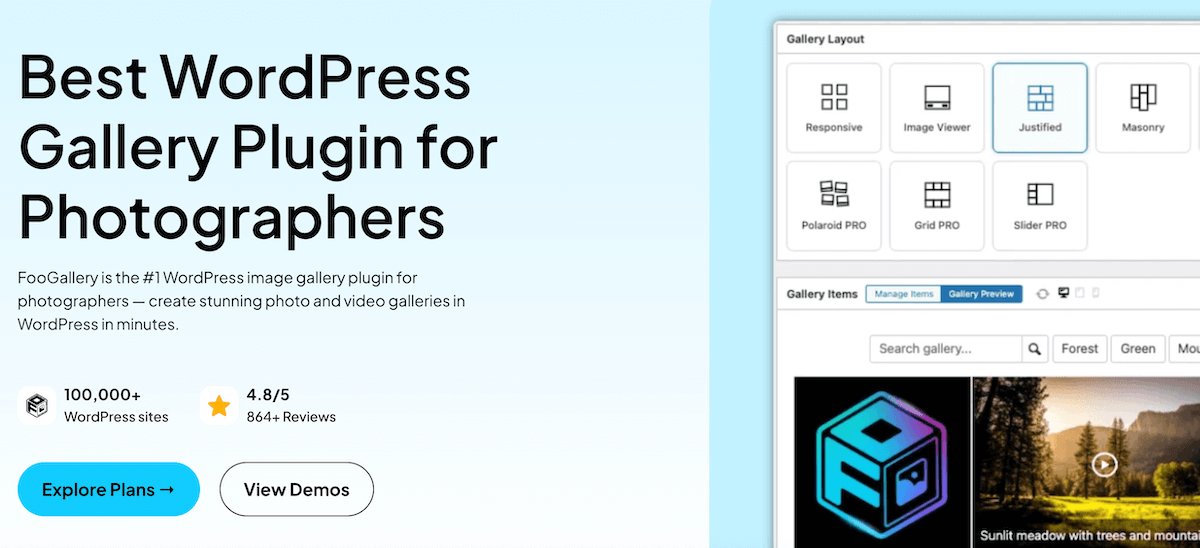
FooGallery is loved by website owners looking to add an extra touch of style and color to their content via image galleries. But FooGallery PRO Expert offers several media management tools as well:
- Media Category Folders can be created in the media library. Simply add categories to your media to create folders, which can then be arranged according to your needs. You can also create subfolders and edit folders as needed.
- Media Tags and Categories can be added to any images, either from the media library or from within the gallery using tools like the Advanced Attachment Modal or the Bulk Tag feature.
In addition to this media management functionality, FooGallery can also create beautiful galleries. These galleries can be easily inserted in between textual content to make your visitors stay on your website longer and therefore increase the engagement rate.
Let’s say you run a photography website. You want to showcase photos taken in different settings and styles. This customization can help you present your work in different styles and give your visitors a better idea about your photography skills and range.
Pro Tip: For those looking for a gallery plugin and media management functionality, FooGallery PRO Expert is an ideal solution, as you can use media categories as source material for frontend galleries.
2. FileBird
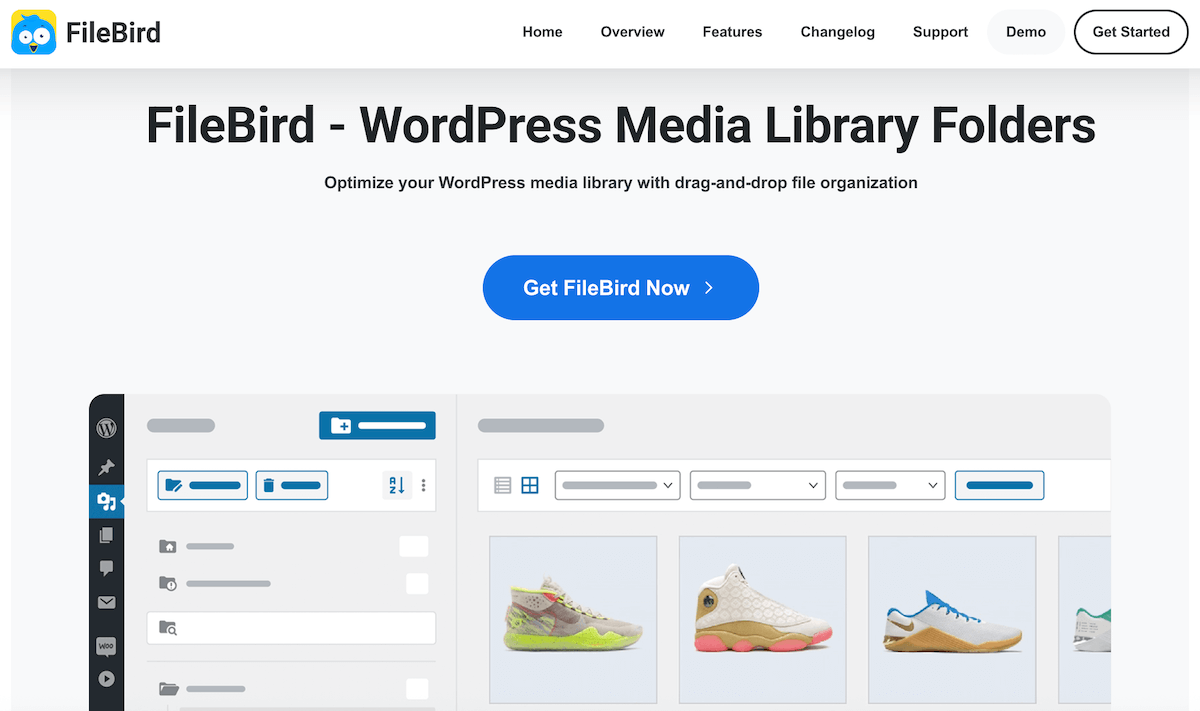
This is on top of our list because of its stylish Windows-like interface and smooth user experience with a drag-and-drop functionality. After installing it on your WordPress website, it will automatically take over as the default media manager, collecting the existing info from the WordPress library.
FileBird lets you tag your files and categorize them into folders and subfolders. This way you can create different folders for different product types (and sections, depending upon the type of your website). The drag-and-drop feature is a no-brainer but what makes it the #1 choice for most is its compatibility with eCommerce platforms like WooCommerce.
Available in multiple languages including Spanish and Mandarin, there are two FileBird plans: Free and Pro. The Free version allows you to create only 10 folders, so if you have a huge website with hundreds of sections, we recommend going for the Pro version.
Pro Tip: Their customer support is fantastic. So, if you have a query, drop a line on the WordPress repository or Facebook page.
3. Media Library Assistant
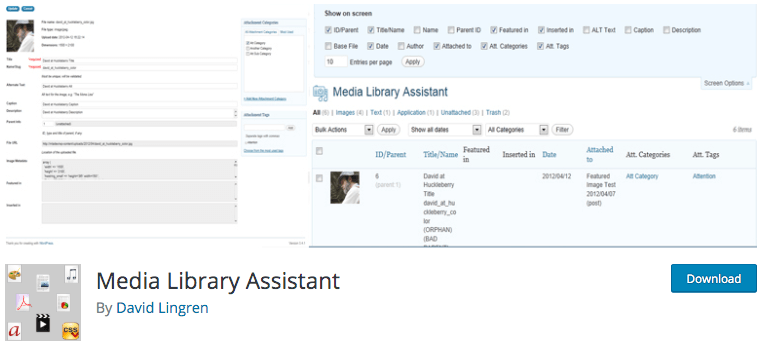
Most plugins listed above depend on the file name for their search indexing. Media Library Assistant makes use of ALT attributes, slugs, and image captions to make it easier for users to search. Since there are limitations in file naming, you can also track them based on these extra elements. Moreover, it also allows for batch editing of ALT and title attributes, a feature that will make a digital marketer love this app.
Its advanced capability with support for WPML and Polylang multilingual plugins is a feature that attracts advanced users. It is also compatible with Jetpack, making it one of the best media management tools around.
There are a lot of features packed in so if you decide to go with this, we recommend reading the documentation for optimum use.
5. Enhanced Media Library
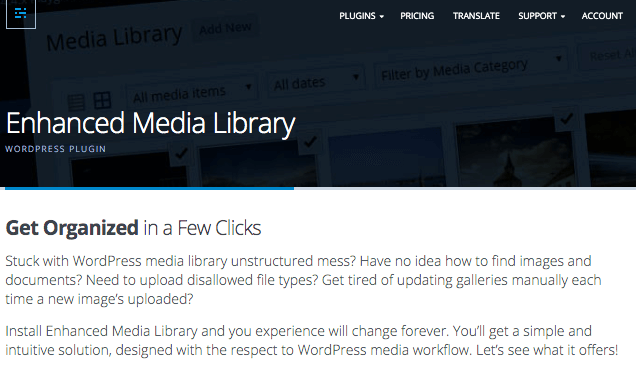
This is yet another media library management plugin that focuses on an easy interface. At first glance, it looks very similar to the native WordPress media library tool. But what sets it apart from its competitors is the category feature. After the plugin is installed, you instantly obtain Media Categories for categorizing and filtering media items. So, when you want a specific infographic you can search for it and the Enhanced Media Library will fetch it for you through the category search.
It also allows usage of shortcodes and the creation of playlists and slideshows which can help you display media in a much better way. This is only the second plugin on this list that goes beyond the basic concept of a library management tool.
6. WordPress Real Media Library
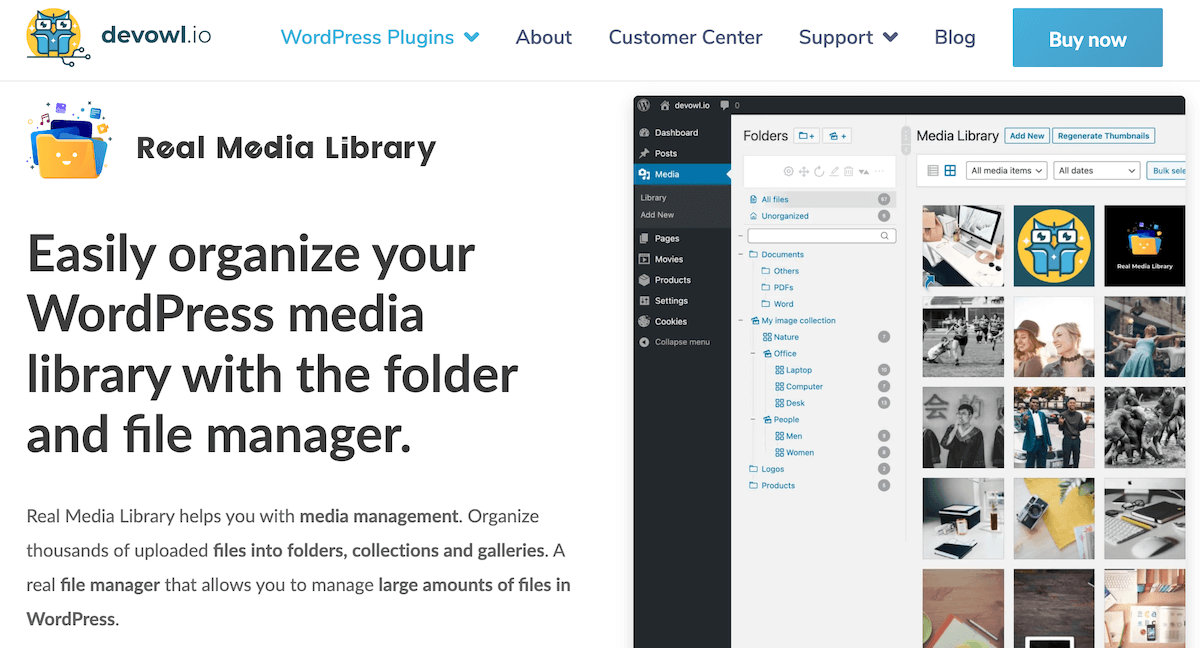
The WordPress Real Media Library plugin is a worthwhile additon to this list, offering you a comprehensive folder management solution.
Real Media Library allows you to organize your media into categories in your library. You can create, rename and reorder folders in your media library and then drag and drop your images into the folders. You can filter when inserting media or upload directly to folders. You can also create shortcuts for files, and upload files directly to folders.
In addition to this, Real Media Library works with FooGallery Pro Expert, allowing you to create galleries from your Real Media Library folders.
How to Find The Best Media Management Solution
When selecting a media library management plugin for your WordPress site, think about how you plan to use your media and what pain points you want to solve. Core factors include
- Organization tools like folders, tags, and categories to make large libraries easier to navigate
- Bulk actions (e.g., mass editing, moving, or deleting) to save time when handling lots of files.
- Ease of use, such as intuitive drag-and-drop interfaces and seamless integration with the WordPress dashboard. This make a big difference, especially if multiple team members will be managing media.
- Compatibility with other plugins like page builders and ecommerce tools such as WooCommerce
- Reliable support or updates are worth evaluating too, particularly for long-term site maintenance and growth.
Ultimately, it’s often helpful to test a couple of options in your own environment — starting with free versions where available — to see which workflow feels most natural and meets your needs without unnecessary complexity. Remember to back up your site before installing new plugins so you can experiment confidently.
Final Thoughts
All of the plugins covered deliver on the basics of media library enhancement, but the best choice for you depends on your site’s size, your workflow, and any advanced features you may need. Whether you’re organizing hundreds of images or creating engaging galleries, selecting the right tool can save hours of effort and help keep your content assets under control.
Ready to take your media management a step further? Try FooGallery PRO Expert to not only organize your media but also create beautiful, responsive galleries that boost engagement and make your site stand out.
