
Client Proofing is designed for private review workflows, but it should be used with normal WordPress security, privacy, backup, and email-delivery practices.
Private proof links
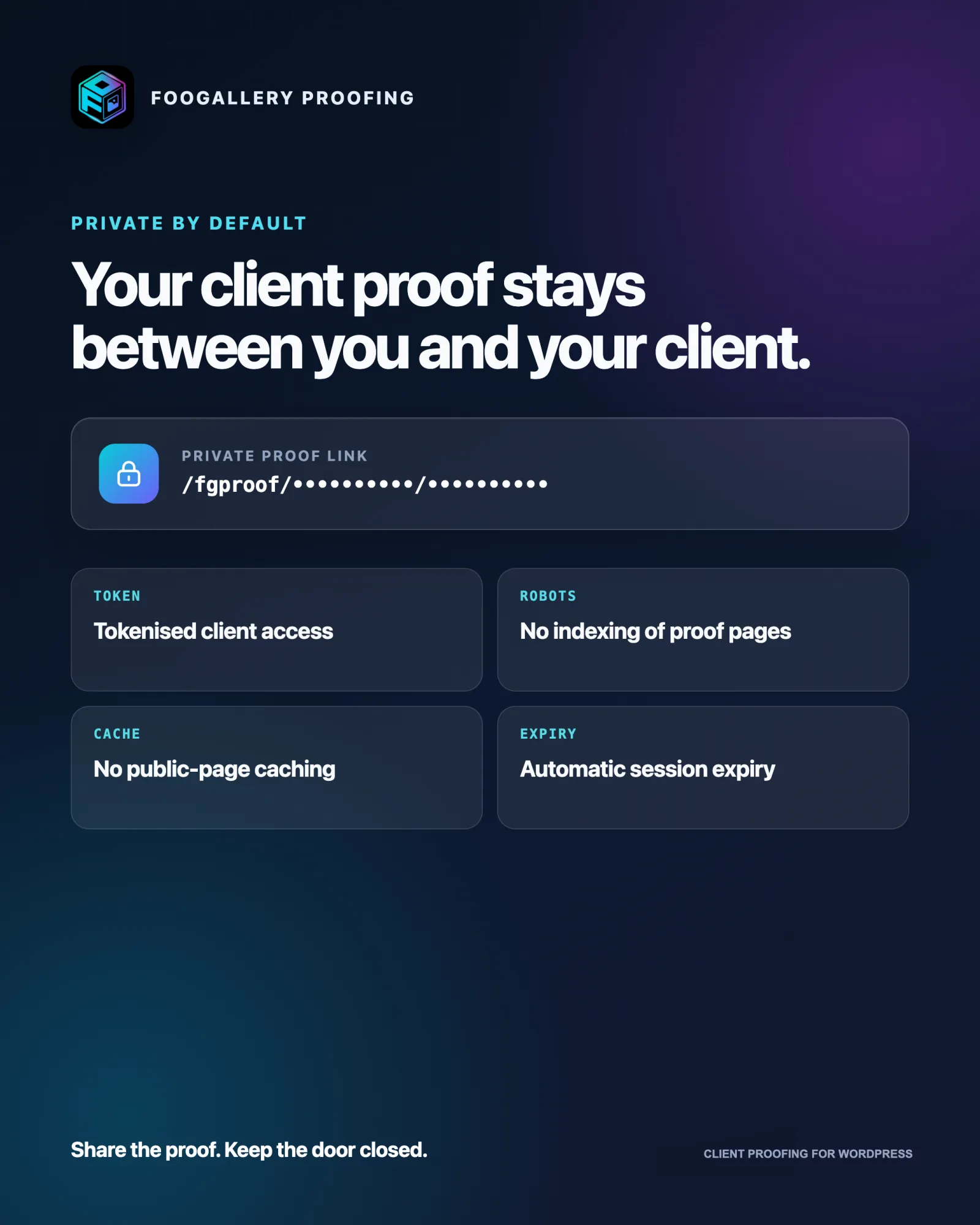
Each session has a UUID and a random token. Only a hash of the token is stored in WordPress.
When a valid link is opened, the token is moved into an HttpOnly, SameSite cookie and removed from the visible address bar. Proofing pages also send private no-cache headers, a no-referrer policy, and no-index/no-archive directives.
Generating a new link or sending a new invitation rotates the token and immediately invalidates every previous link for that session.
These controls prevent casual discovery and link reuse. Anyone who possesses a currently valid link can open the proof, so share it only with the intended client.
Expiry and access states
- Draft, Sent, and Viewed sessions remain available until their expiry.
- Submitted and Approved sessions remain viewable but read-only.
- Completed, Expired, and Revoked sessions are unavailable publicly.
- A session with Expiry days set to
0has no automatic expiry.

Image protection
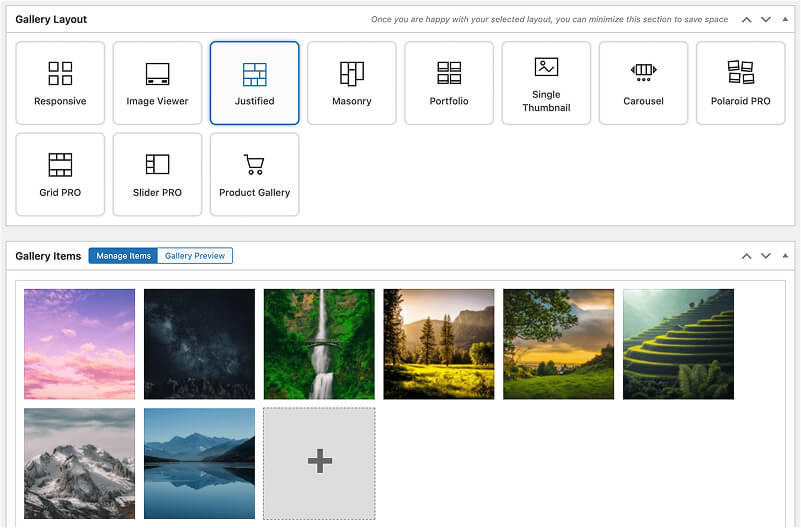
The Proofing gallery layout enables full-size watermarking, thumbnail watermarking, and right-click protection by default. Image watermarking is part of FooGallery PRO Commerce. These settings reduce casual reuse but are not digital rights management. A browser must receive pixels to display an image, and visitors can still use screenshots or developer tools.
Use suitably sized proof images and a visible watermark when the source files are commercially sensitive.
FooGallery WordPress gallery plugin
The Best WordPress Gallery Plugin
FooGallery is an easy-to-use WordPress gallery plugin with stunning gallery layouts and a focus on speed and SEO.
Personal-data retention
Go to FooGallery > Settings > Proofing and configure PII retention days.
- Enter
0to keep the stored client name and email until they are manually erased. - Enter a positive number to clear the name and email from eligible finished sessions after that many days.
The cleanup runs daily. It removes the session's client name and email but retains the session, gallery relationship, selections, comments, status, and logs.

WordPress privacy tools
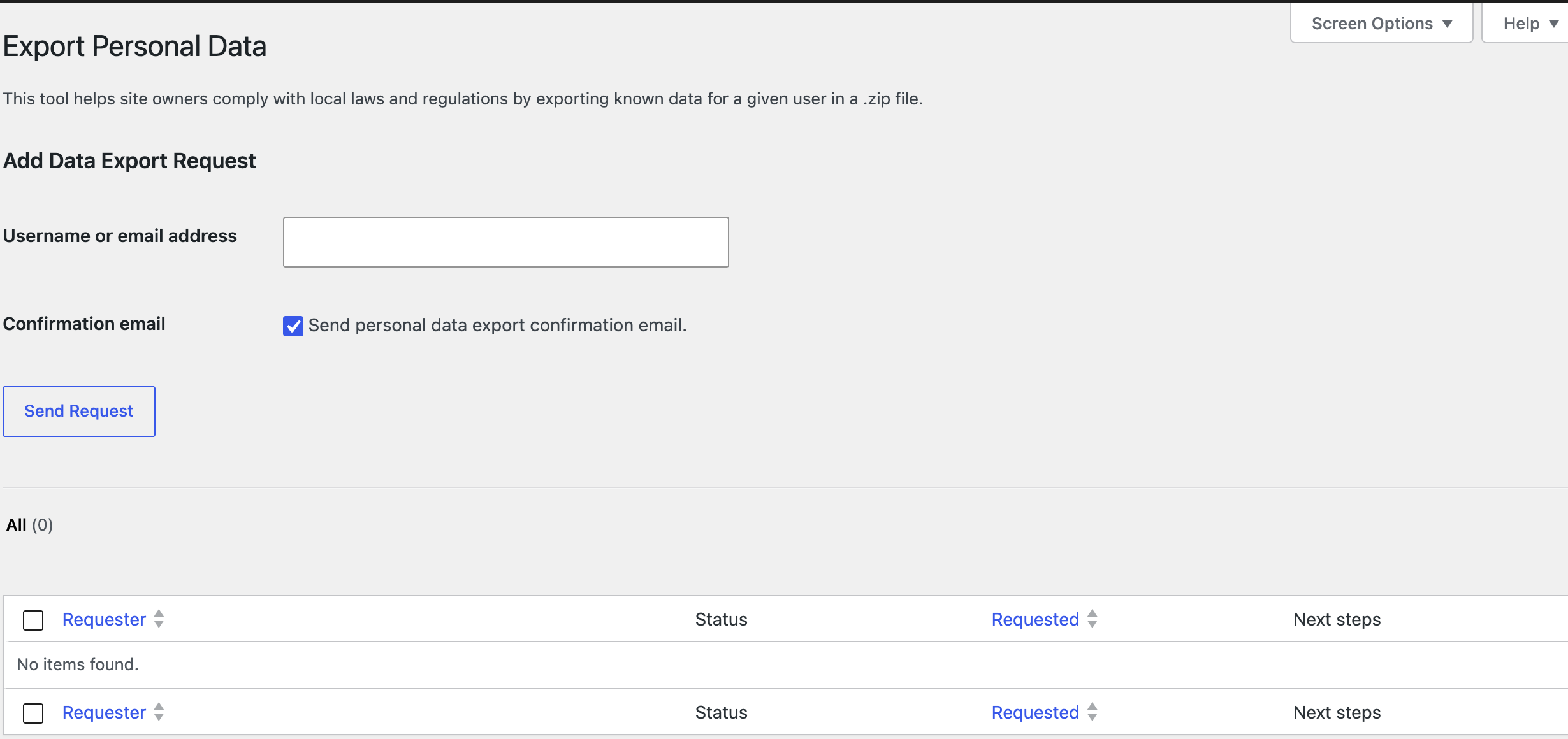
FooGallery Proofing integrates with Tools > Export Personal Data and Tools > Erase Personal Data.
An export found by client email includes the client name and email, gallery, session status, and stored selection data. Erasure clears the client name and email from matching proofing sessions.
Troubleshooting
Proofing is missing or reports a dependency error
Confirm FooGallery is installed, active, and version 3.1.31 or newer. FooGallery Proofing also requires WordPress 6.0+ and PHP 7.2+.
A Client Proofing license or trial is required
An active FooGallery Client Proofing license or trial is required to create new sessions. If the Client Proofing license or trial expires, existing sessions are not deleted. Existing active sessions can still be shared, viewed, and submitted until their configured expiry, but new sessions cannot be created.

The private link is unavailable
The link may be mistyped, expired, completed, revoked, or superseded by a newly generated link. Open the session in FooGallery > Proofing and check its status and expiry. Generate a new link when access should be restored.
The proof is read-only
Submitted and Approved sessions are intentionally read-only. A completed session can be returned to Draft with Reopen. If the session was submitted but not completed, complete it first and then reopen it.
The client cannot submit
Check the validation message beside the selected count. The client must meet both the configured minimum and maximum. Rejected and comment-only images are not counted as selections.
Changes are saved locally or a refresh is required
Offline changes saved locally means the browser could not confirm the save. Restore connectivity and keep the page open or reload the same proof in the same browser.
A refresh or revision-conflict message means another tab or device saved a newer version. Refresh before making further changes to avoid overwriting it.
An email was not received
Check the session's Email Log, confirm the address, and verify the site's mail service. Sending another invitation creates a fresh link and invalidates the previous one.


