
The latest update to FooBox PRO includes a new lightbox theme and improved styling options. Let’s take a look at these updates:
FooBox PRO Glass Theme
FooBox PRO now includes a contemporary new lightbox theme: the Glass theme. It takes on a Glassmorphism style, which is a UI design style/trend that creates a frosted-glass look for interface elements, making them appear like translucent panels that float over backgrounds with a soft blur behind them.
Here’s a screenshot, or just click on any of the images in this post to see the theme in action.
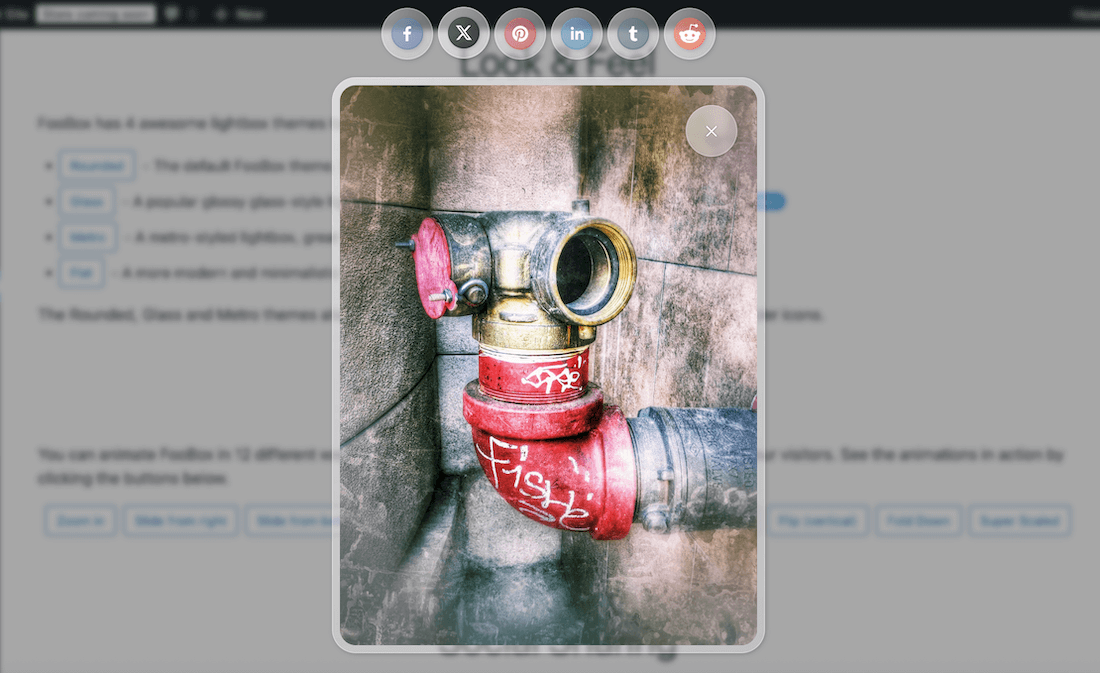
As you can see in the above screenshot, this theme adds a slightly rounded and opaque border to any image or element opened in the lightbox. Navigation, buttons and social icons will have the same border, and are all rounded. As with all of the FooBox themes, the screen behind the lightbox is blurred out.
This gives you a fresh new look for your lightbox, and adds a more contemporary feel to images, video and other media.
New Styling Options in FooBox PRO
Previously, FooBox PRO offered you several preset theme colors that you could use with your choice of theme. While these remain, we’ve now also added a custom color picker, allowing you to choose the color for both the text and base.
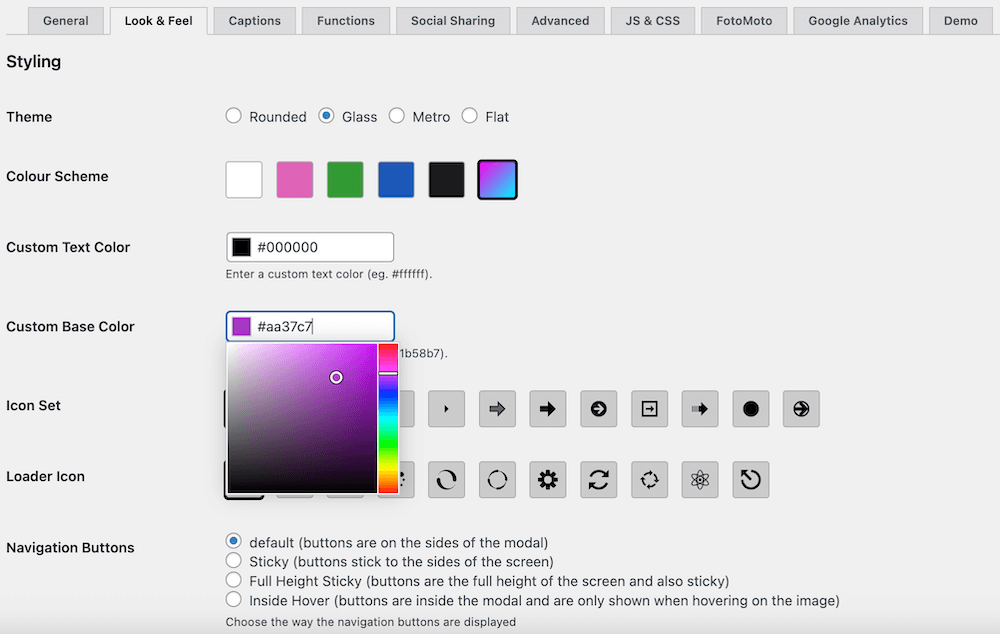
This gives you more flexibility and control over the lightbox appearance, allowing you to create a look and feel that matches your own branding.
The color picker isn’t just available for the new glass theme, either. If you’re using the Rounded or Metro theme, you can change the border and text colors as well. Note that the Rounded and Metro themes will show a solid border, but the Glass border will be slightly transparent (as in the screenshot below). The Flat theme doesn’t include a border but you can still adjust the text color.
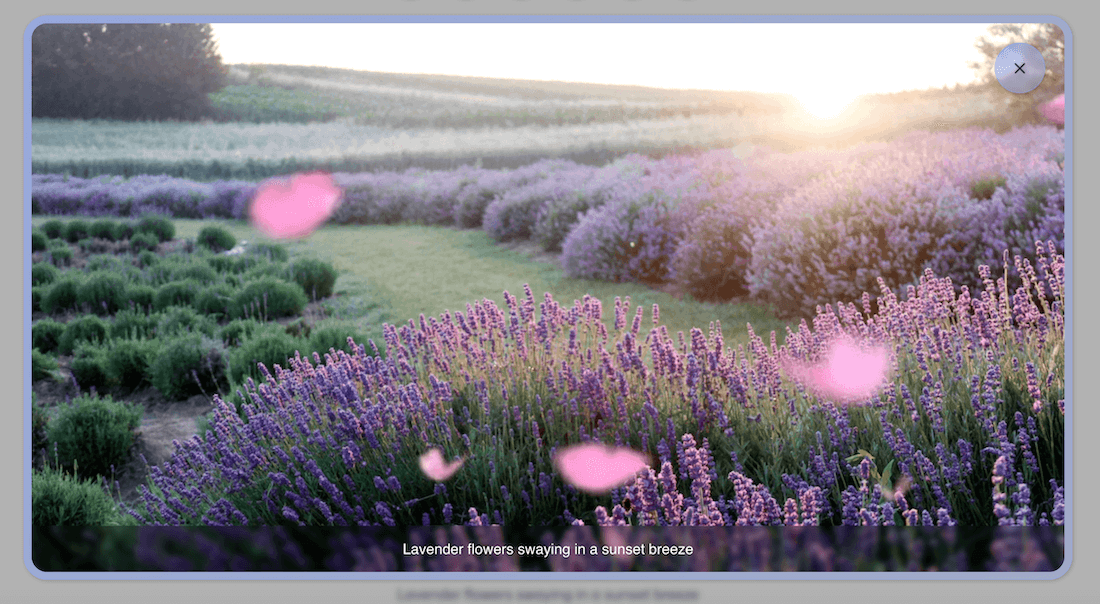
As with any of the FooBox customizations, any changes you make will be applied to any element using FooBox. So you only need to make changes once in the settings.
For more information, read our article on the FooBox PRO Themes and Styling.
FooBox Update 2.7.42 Available Now
The latest FooBox update includes minor improvements and fixes. PRO Users will also have access to demos for the various themes, available on the FooBox settings page.
To get the new Glass lightbox theme and custom color picker, you will need FooBox PRO 2.7.42. You can upgrade now, or explore our FooBox pricing options for the best plan for your needs.
The Best WordPress Lightbox Plugin
FooBox is an easy-to-use WordPress lightbox plugin, is mobile friendly and requires zero configuration.
