

Download FooBox. It’s Free!
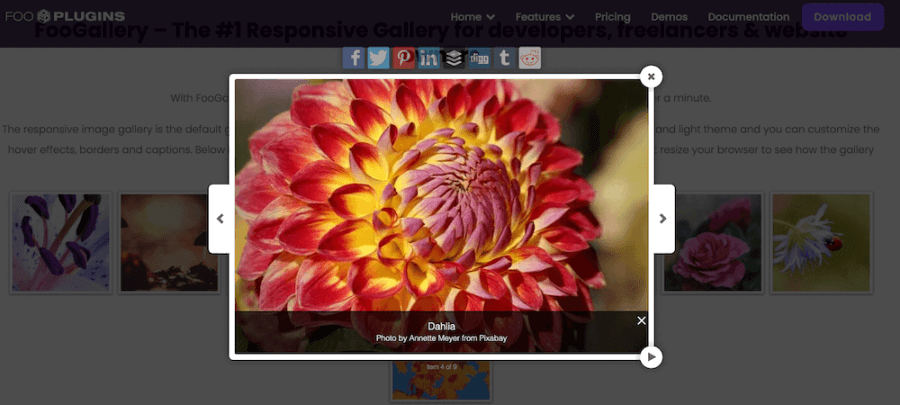
The free version of FooBox is hosted on WordPress.org and can be used on unlimited sites to open images in a responsive lightbox.
Free WordPress.org plugin
Unlimited sites
PRO upgrade path
Install FooBox Free
Two ways to install FooBox
Download the plugin zip from WordPress.org or install FooBox directly from your WordPress admin plugin search.
Install from a zip file
- Download the plugin zip file from WordPress.org.
- Login to your WordPress site as an administrator.
- Go to the Plugins page.
- Click Add New, then Upload Plugin.
- Choose the zip file, upload it, and click Activate.
- After activation, opt in if you want to use the free trial and receive important security updates.
Install from WordPress admin
- Login to your WordPress site as an administrator.
- Go to Plugins and click Add New.
- Search for “FooBox” in the plugin search box.
- Find FooBox in the search results and click Install Now.
- After installation, click Activate.
- After activation, opt in if you want to use the free trial and receive important security updates.
Looking for FooBox PRO?
If you found this page while looking for FooBox PRO, review the FooBox PRO pricing and plans. Paid plans let you choose the number of sites you need.
A note on nulled plugins
Please use the official free or paid version
If you are looking for a nulled copy of FooBox PRO, remember that nulled software is risky from a security point of view and does not support continued plugin development. If FooBox PRO is outside your budget, contact us and ask about a discount.
Ready to decide?
Choose the FooBox plan
that fits your lightbox goals
Use the pricing section to choose the right license, or start the free trial to test FooBox PRO before buying.