
Included in Free
WordPress Image Viewer Gallery
FooGallery Image Viewer creates a focused image-viewing layout from WordPress media library images.
100K+ active installs · 4.8/5 from 980+ reviews
Image Viewer Gallery Demo
A focused image-viewing layout lets visitors browse the gallery one image at a time.






Device preview switcher available on desktop devices
Create your first image viewer gallery in WordPress
Install FooGallery Free, add your photos, and choose the Image Viewer Gallery layout for focused image browsing.
Who this is for?
For galleries that need focused image viewing.
Use Image Viewer when one image should stay central while visitors move through the rest of the gallery.
- PhotographersGive each image more attention than it would receive inside a dense thumbnail grid.
- Product pagesLet visitors inspect visuals while staying in a simple gallery layout.
- Visual storytellingGuide people through images in a calmer, more focused sequence.
Upgrade path
More FooGallery features
Check out these related FooGallery features to improve your WordPress galleries
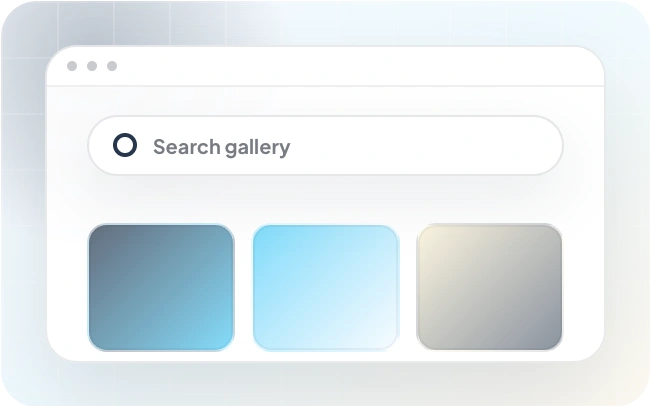
Gallery Search
Improve user experience with WordPress photo gallery search! FooGallery PRO searches gallery photos to find what you're looking for quickly.
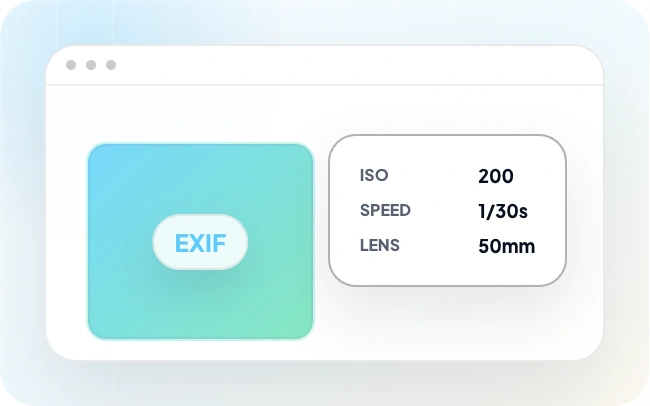
EXIF Metadata
With FooGallery PRO Expert, you can include EXIF data with your gallery images. This exif data tells you about technical aspects of the image and how it was taken.

Color Sorting
Extract dominant colors from your images, then use the dominant color to sort and add tinted backgrounds to your galleries.
FAQs
Frequently Asked Questions
Answers to common questions about Image Viewer Gallery.
The FooGallery Image Viewer layout creates a focused image-viewing portal for media images. Users can scroll through images without leaving the page.
Yes, it is available in FooGallery Free. Download FooGallery Free to start using this feature, then compare PRO plans when you need advanced controls.
This gallery creates a focused image-viewing layout and can be used when you want visitors to focus on one image at a time.
To see other layouts, or compare the Image Viewer gallery with other options, take a look at the FooGallery demos page. You might like the Spotlight Pro option, which is similar to the Image Viewer, but with a more stylised look and feel.
Start free
Build this gallery with FooGallery Free
WordPress Image Viewer Gallery is available in FooGallery Free. Install the plugin when the demo matches your site, then upgrade when you need more advanced controls.