
Included in PRO Commerce
Product Gallery for WooCommerce
FooGallery PRO Commerce includes a Product Gallery template for building WooCommerce-connected product galleries.
7-day trial · 30-day guarantee
WooCommerce Product Gallery Demo
This example combines the WooCommerce product datasource with FooGallery’s dedicated Product Gallery layout.
Device preview switcher available on desktop devices
Create your first WooCommerce Product Gallery
Get FooGallery PRO Commerce, connect WooCommerce products as the datasource and configure the Product Gallery layout for shopping.
Who this is for?
For commerce pages that need a dedicated product gallery layout.
Use the Product Gallery template when product visuals should support browsing, comparison, and purchase decisions.
- Store ownersPresent product images in a layout built for shopping contexts.
- MerchandisersShow product details, variations, and supporting imagery more clearly.
- Commerce sitesPair gallery presentation with stronger buying intent.
Related features
More FooGallery features
Check out these related FooGallery features to improve your WordPress galleries
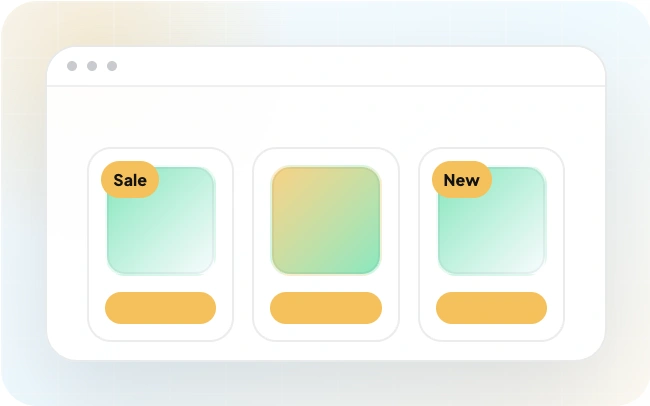
Sale Ribbons and Buttons
Sale ribbons and buttons help product galleries communicate stock, sale, and purchase actions more clearly.

Slider Layout
Display gallery images in a slider layout.

Social Sharing
This demo shows how the FooGallery Social add-on can add likes, comments, and sharing to gallery thumbnails and lightbox views.
FAQs
Frequently Asked Questions
Answers to common questions about the Product Gallery.
FooGallery PRO Commerce includes a Product Gallery layout for displaying ecommerce products. You can create a gallery from WooCommerce products or set up a product gallery manually.
This layout is included in FooGallery PRO Commerce.
Yes, you can use WooCommerce as a datasource with the product gallery. This will allow you to pull WoCommerce products into your gallery, along with prices, sale items, featured products, product variations and more. The gallery settings also let you add buttons and sale ribbons to your gallery items.
Ready when you are…
Ready to create your own Product Gallery?
Create beautiful looking product galleries from WooCommerce products